

You can set a Telegram Away Message on Your Personal Account directly from your settings, without building a bot or installing a third party app. The feature lives inside Telegram Business, and you do not need to run an actual company to use it. All you need is an active Telegram Premium subscription and a couple of minutes in your settings menu.
A lot of guides online still claim Telegram has no auto reply option at all. That was true before March 2024, but it has not been true since Telegram rolled out its Business tools. If you manage a channel, run a small shop through Telegram, or just want your contacts to know you are traveling, this feature covers you without any coding and without paying for a separate automation service.
What Is a Telegram Away Message
A Telegram away message is an automatic reply that gets sent the first time someone messages you while you are marked as unavailable. Telegram introduced it as part of Telegram Business in 2024, alongside greeting messages, quick replies, and business hours. The system uses the same underlying tools whether the account belongs to a registered company or to a single person managing a personal Telegram presence. It is a great starting point if you want to see how Telegram business accounts can make your personal profile look more professional.
Once it is active, anyone who writes to you sees your custom text instead of just an unanswered message. You decide the wording, the schedule, and who receives it. One major advantage of this setup is that it runs completely on the cloud. You do not need to keep your phone connected to Wi Fi or leave the application open in the background. Once you save your settings you can turn your phone off completely or board a long flight. The server handles everything and ensures your contacts get your automated reply instantly without relying on your actual device.
Away Message vs a Custom Auto Reply Bot
It is worth separating this from building your own auto reply bot through BotFather, which is a different project entirely. A custom bot gives you more flexibility, since it can answer follow up questions, log conversations, or connect to outside tools. But it also means writing or hiring someone to write bot logic, hosting it somewhere, and keeping it running. However if you find yourself needing that extra functionality later on you can always explore ways to Boost Your Telegram Business with AI Chatbots to handle those complex interactions.
The away message setting skips all of that. You get a telegram auto reply without bot development, without a server, and without ongoing maintenance. It is the faster option for anyone who just needs people to know they are unavailable right now.
Do You Need Telegram Premium for a Telegram Business Away Message
Yes. The account sending the away message needs an active Telegram Premium subscription, since Telegram Business features sit behind that paywall. As of 2026, Premium runs about $4.99 a month in the United States, with a cheaper rate if you pay for a full year upfront. Pricing is regional, so it may cost less depending on where your account is registered. If you are hesitant about paying the monthly fee you might want to look into methods to Get Telegram Premium Features for Free before pulling out your credit card.
The person messaging you does not need Premium themselves. They can be on a completely free account and still receive your away message normally.
Telegram business away message setup does not require anything beyond that subscription. There is no separate business verification, no company registration, and no extra fee on top of Premium.
How to Set a Telegram Away Message on Your Personal Account
The whole process happens inside your existing Telegram app, and none of these steps require you to leave the app or sign up anywhere else. Here is exactly how it works from start to finish.
Quick Setup Guide
Open Telegram Business
Go to your main settings menu and tap Telegram Business. An active Premium subscription is required.
Write Your Message
Type a clear and brief text. Mention when you will return and provide emergency contact info if needed.
Set The Schedule
Choose whether the automated text sends outside business hours or during a custom vacation date range.
Exclude Personal Contacts
Use the exclusions menu to ensure your close friends and family do not receive the formal automated reply.
Turn On Telegram Business in Your Settings
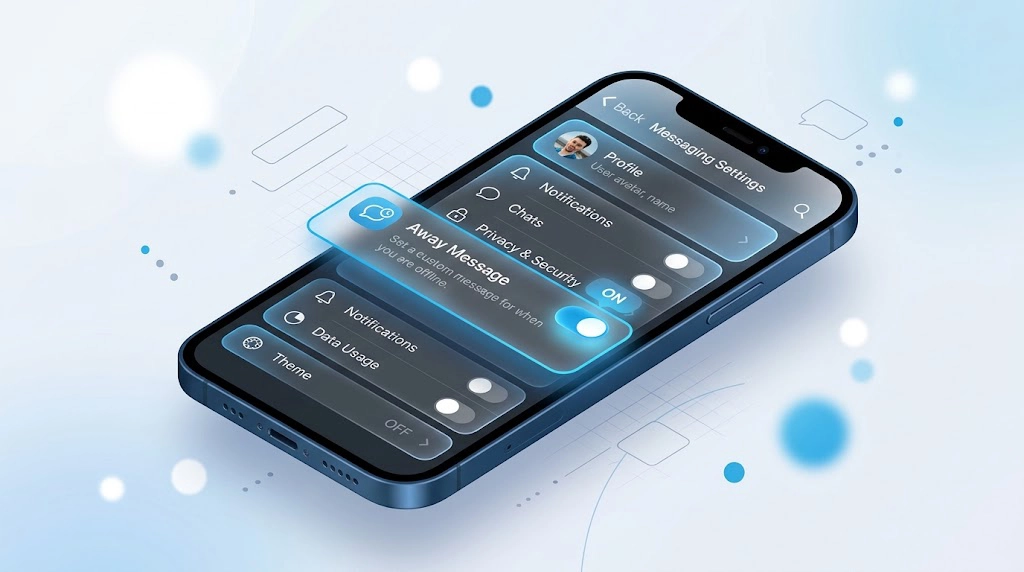
Open Telegram, go to Settings, and scroll down until you see Telegram Business. Tap it. If your account is not on Premium yet, Telegram will prompt you to subscribe before the menu unlocks.
Write Your Away Message Text
Inside Telegram Business, tap Away Message. Toggle it on and type the text you want people to see. Keep it short and clear. Something like telling people when you will be back and how urgent matters can reach you works better than a generic line. You can format the text with bold or italic, and you can attach media if you want to include a photo or file. To make your response look more professional you can use the Telegram Rich Text Editor to apply bold text italics or clickable links alongside your attached media.
Set the Schedule
Choose when the message should go out. Your options typically include always sending it while it is on, sending it only outside your listed business hours, or sending it only during a custom date range you set, which is the option most people use for actual vacations.
If you select the business hours method you must configure your working hours first. You will spot the business hours menu just below the away message toggle in your main settings. Simply define the times you are available and Telegram will automatically activate your away text the moment your virtual doors close each day.
Choose Who Receives It
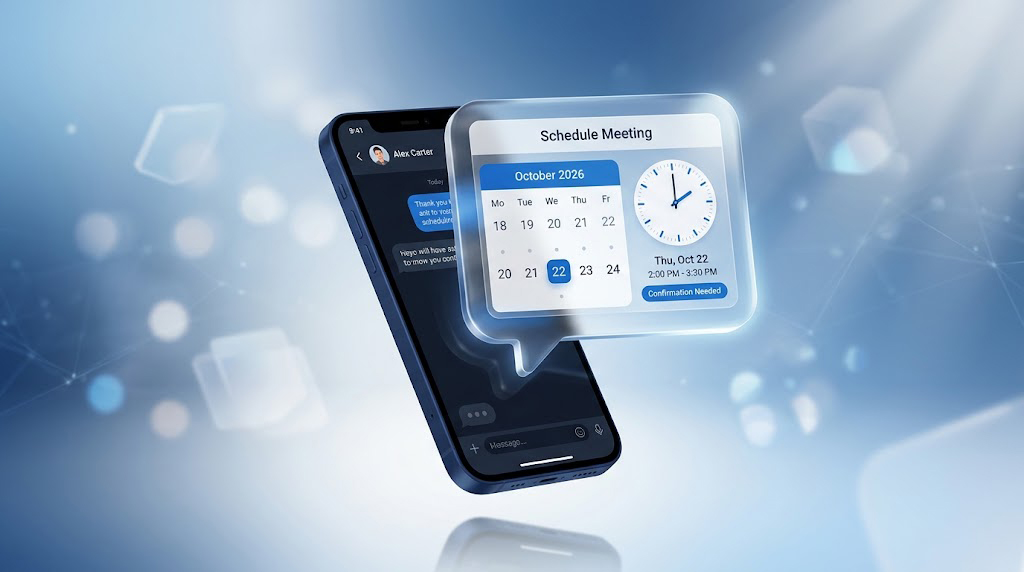
Telegram lets you limit the away message to specific chats or chat categories. This matters because you probably do not want your parents or close friends getting a formal automated reply meant for customers or channel subscribers. Set exclusions here, or restrict the away message to specific contact groups instead of sending it to everyone. You will also find a setting that triggers the auto reply only when your status is offline.
This stops the app from sending a vacation text to someone while you are actively typing a message to them. You also do not need to worry about embarrassing automated texts in your family or work groups. Telegram designed this strictly for direct personal chats so it will ignore any group messages entirely.
Away Message, Bot Automation, or a Third Party Tool
Real Examples of When to Use a Telegram Away Message
Running a forex signal channel requires a lot of attention, but you still need time off. When subscribers message you with urgent questions during a weekend away, they will receive an instant reply letting them know when you will be back instead of assuming the channel went silent. Handling weekend messages is a great start but there are many other Telegram features for forex signal providers that can automate your daily workflow. For example when your subscriber list gets too large to handle manually you can build a system to manage forex VIP clients with a Telegram AI bot.
Freelancers who offer SMM or growth services often take client messages directly through a personal account. Enabling an automated response during evenings or weekends sets clear expectations, meaning you do not have to reply to every ping the moment it arrives.
Those selling products or digital goods through Telegram face a unique challenge when traveling. A scheduled away message covering your trip dates keeps buyers fully informed, completely removing the risk of them guessing whether you abandoned the shop.
“Independent professionals who use automated acknowledgments retain about sixty percent more of their initial leads” says Sarah Jenkins a digital communication consultant. “Clients simply want to know their message went through and a quick automated text provides that reassurance while protecting your personal downtime.”
Customizing Your Away Message for a More Personal Tone
Since this sits on your personal account rather than a corporate page, it reads better when it sounds like you rather than a company script. Mention roughly when you will respond, give an alternative contact if something is urgent, and skip stiff phrases like “your message is important to us.” A short, honest line usually performs better than a long formal one.
You can also update the message whenever your situation changes. There is no limit on how often you edit it, and changes apply immediately to anyone who messages you afterward.
How to Turn Off or Edit Your Away Message Later
Go back to Settings, then Telegram Business, then Away Message. Toggle it off if you want to stop sending it, or tap into the text field to edit the wording and schedule. Nothing about turning it off affects your chat history or the messages people already sent you while it was active.
Telegram Auto Reply Personal Account FAQ
Does Telegram have a built in auto reply feature?
Yes. It has been part of Telegram Business since 2024, and it works on a personal account as long as Telegram Premium is active.
Do I need Telegram Premium just for an away message?
Yes, the away message feature is part of the Premium linked Telegram Business tools, so an active subscription is required on your account.
Can I set an away message without registering an actual business?
Yes. Telegram Business is a settings menu, not a legal registration. Any Premium user can turn it on, including individuals with no company at all.
Will my away message go to everyone, including friends and family?
Only if you let it. You can exclude specific chats or entire categories so personal contacts never see the automated reply.
Is a telegram vacation mode message the same thing as an away message?
Yes, people often describe it that way, though inside Telegram’s own settings it is simply labeled Away Message.
Final Thoughts on Setting Up a Telegram Away Message
Setting up a Telegram Away Message on Your Personal Account takes just a few minutes once Premium is active, and it solves a real problem for anyone who steps away from their phone and still wants people to get a reply. Whether you run a channel, sell through Telegram, or just want friends and clients to know when you will be back, this native feature covers it without a bot and without a separate paid tool.
If you want help setting up the rest of your Telegram presence, from growth to channel management, reach out to @membertelsupport.














Leave a Reply