Yes, there are free Telegram bots to download SoundCloud music, and three of them are still active and working as of this year. You paste a track or playlist link into a chat, and within seconds the bot sends back an MP3 file. No app installs, no subscription, nothing beyond Telegram itself. The tricky part isn’t finding a bot that claims to do this. Plenty of accounts on Telegram use names that sound legitimate but lead nowhere or stopped responding months ago. I went through the ones that actually get used and tested each of them with real tracks before writing this.
How Telegram SoundCloud Bots Actually Work
Every bot on this list runs on the same basic idea. SoundCloud serves audio through a public API, and these bots use open source tools like scdl or yt-dlp to pull the raw audio file, attach the track’s metadata (artist, title, sometimes cover art), and send it back to you inside the chat. That’s it. There’s no magic conversion process and no hidden server farm doing the work, it’s a script wrapped around a Telegram bot interface.
This matters because it explains why some tracks fail. If SoundCloud changes how it serves audio, or if a track’s uploader disabled downloads at the platform level, the bot simply can’t get the file, no matter which one you try. I ran into this twice while testing, both times with tracks marked as “no downloads allowed” by the artist.
“The bottleneck with Telegram music bots is rarely the coding of the bot itself, but rather the fifty megabyte file size limit imposed by the Telegram API combined with the native streaming caps of the platform you are downloading from. You are pulling a highly compressed file through a restricted pipeline, which is exactly why these tools are strictly for casual everyday listening rather than professional archival use,” says Marcus Thorne, a digital media archivist and independent audio developer.
Free Telegram Bots to Download SoundCloud Music That Actually Work
Here are the three bots I tested directly, with what each one is genuinely good at.
| Bot | Direct Link | Best For | Notable Limit |
|---|---|---|---|
@scdlbot | t.me/scdlbot | Single tracks and Bandcamp/YouTube too | Files over 50MB split into parts |
@scloud_bot | t.me/scloud_bot | Browsing an artist’s uploads or likes | No batch playlist zip, sends tracks one by one |
@MusicsHuntersbot | t.me/MusicsHuntersbot | People who also use Spotify or Deezer | Occasionally slower during peak hours |
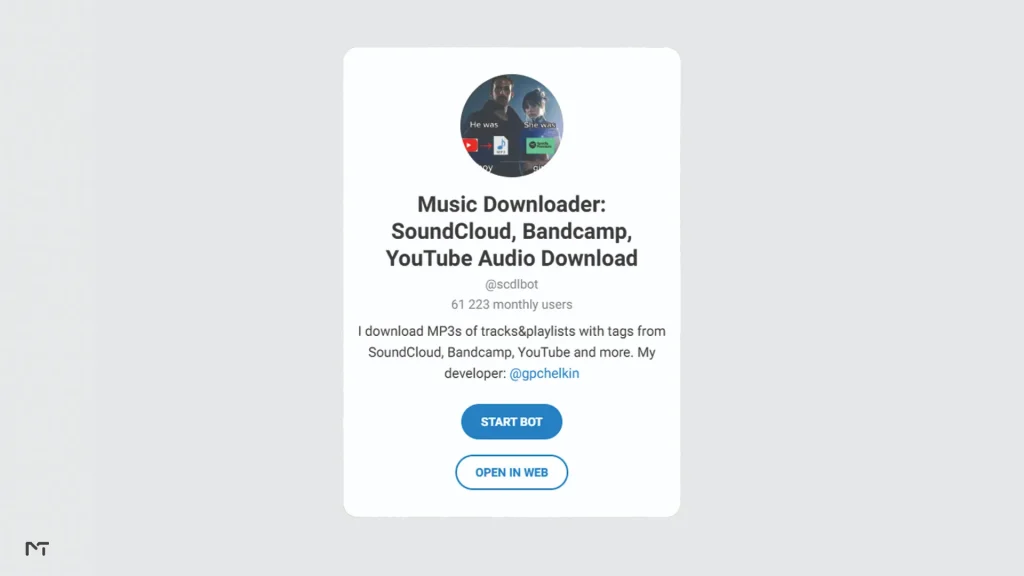
@scdlbot is the one I’d point a first time user toward. It’s open source under an MIT license, built by a developer who goes by @gpchelkin, and it doesn’t just handle SoundCloud, it pulls from Bandcamp and YouTube using the same command. Send /start, then paste your link. If the file is under 50MB it arrives as one MP3 with tags and artwork attached. Bigger files, think a full DJ set, get split into two or three parts automatically.
Once you finally get those massive DJ sets downloaded and split into parts, you might want to trim out the dead silence at the beginning or adjust the track length. Instead of moving the files to computer software, you can just forward them to the best free Telegram bots to edit songs and audio files right inside the messenger.
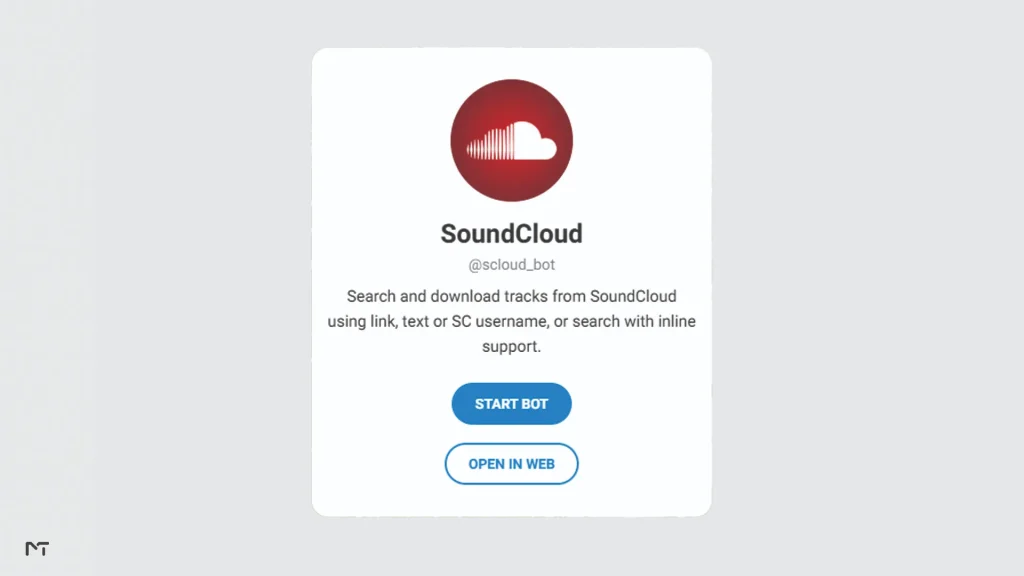
@scloud_bot feels more like a dedicated SoundCloud client living inside Telegram. Beyond the basic link paste, it has commands like /new for fresh uploads by genre, /top for trending tracks, and /login to connect your own SoundCloud account so you can pull your likes directly. If you’re the type who browses SoundCloud more than you search specific links, this one fits that habit better.
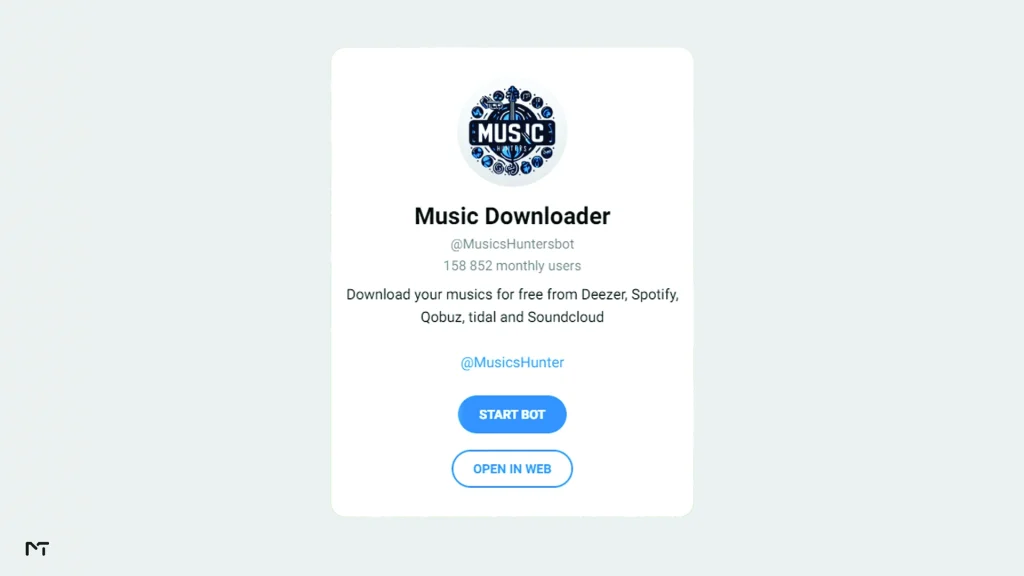
@MusicsHuntersbot is the choice if SoundCloud isn’t your only source. It also reaches into Spotify, Deezer, Qobuz, and Tidal, so if you’re building a playlist from tracks scattered across platforms, one bot handles all of it instead of switching between four different chats. However, if your playlists lean heavily toward Spotify rather than SoundCloud, using a dedicated Spotify Downloader Telegram Bot might actually streamline your workflow much better than relying on a multi platform tool.
None of these are flawless. Audio quality mirrors whatever the original uploader used, so a track uploaded at 128kbps won’t magically become 320kbps just because a bot delivered it. And playlists get sent track by track rather than as a single zip, which is fine for ten songs and mildly annoying for a hundred.
A lot of people hunt for maximum quality downloads, but standard SoundCloud audio actually streams at a much lower bit rate format. Even if a bot delivers a heavy file size, it is just wrapping that same lower resolution audio into a new container. You are getting exactly what the platform streams to free listeners. This audio quality sounds perfectly fine in a car or on standard earbuds but might lack depth if you play it on expensive studio monitors.
While bots like scdlbot handle basic YouTube links fine, users who want to build a massive offline music library often prefer specific Telegram bots to download YouTube audio for better format control. And if you actually want the video files alongside the music, you will need to look into separate Telegram bots to access YouTube content offline since audio grabbers strip the visual elements away completely.
What to Do When a Bot Stops Responding
Telegram bots like these run on someone’s personal server or a free hosting tier, and they go down. Sometimes for an hour, sometimes for a week if the developer is busy with something else. It happened to me mid testing with one of the bots above, no response for about six hours before it came back.
When that happens, cobalt.tools is a solid fallback. It’s a free, open source, browser based tool that supports SoundCloud along with over a hundred other sites, and it doesn’t ask for an account or log any of your activity. Paste the track URL, hit download, done. It won’t replace the convenience of staying inside Telegram, but it means you’re never stuck waiting on one bot to come back online.
Is It Legal and Safe to Download SoundCloud Music This Way?
This is worth being straight about instead of glossing over. Downloading a track you don’t own or that isn’t marked as downloadable by the artist sits in a legal gray area at best, and can be a straight copyright violation depending on the license the uploader chose. A lot of SoundCloud content, especially remixes and bootlegs, exists in a space the artist never explicitly licensed for redistribution either.
The bots themselves are generally safe in the sense that they don’t ask for your SoundCloud password or Telegram credentials (the one exception being @scloud_bot‘s optional /login, which uses SoundCloud’s own authorization flow rather than asking you to type a password into the chat). The real risk isn’t malware, it’s assuming that “the bot let me download it” means “I’m allowed to keep it.” If you’re saving tracks you made yourself, content under a Creative Commons license, or music an artist explicitly flagged as free to download, you’re on solid ground. Everything else needs a second thought.
Common Mistakes People Make With These Bots
A few things I noticed while testing that would’ve saved me time if I’d known beforehand.
Pasting a mobile share link (the shortened on.soundcloud.com format) sometimes fails where the full desktop URL works fine, so if a bot says it can’t find the track, try grabbing the link from the desktop site instead.
Private tracks and tracks behind a “Go+” paywall will never download, regardless of which bot you use, this isn’t a bug, it’s SoundCloud restricting access at the source.
Sending a whole playlist link to @scdlbot works, but expect it to take noticeably longer than a single track since it has to process each song individually before sending anything back.
Finding your downloaded tracks can be slightly confusing depending on the phone you use. Android users usually see the downloaded music drop right into their device native music app or download folder the second they save it from the chat. iPhone users have a different workflow because Apple restricts how apps share media. When a bot sends you a track on an iPhone, tapping it only plays it inside Telegram. You actually need to long press the track, open the share menu, and specifically choose the option to save it to your Files app before you can organize it or play it offline outside of the messenger.
Frequently Asked Questions
Are these Telegram bots really free to use?
Yes, all three bots covered here are free with no subscription tier or paywall for basic downloading. @MusicsHuntersbot occasionally runs slower during high traffic periods, but that’s a performance issue, not a paid feature gate.
Can I download an entire SoundCloud playlist at once?
@scdlbot and @MusicsHuntersbot both accept playlist links, but they send tracks one at a time rather than bundling them into a single zip file. Budget extra time for longer playlists.
Why did the bot say it couldn’t process my link?
Usually one of three reasons. The track is private, the uploader disabled downloads, or you pasted a shortened mobile link instead of the full URL. Try the desktop link first.
Do I need a SoundCloud account to use these bots?
No, for basic track and playlist downloads you don’t. The one exception is @scloud_bot‘s /login command, which is optional and only needed if you want to pull your own likes or uploads directly.
What happens if all three bots are down at the same time?
Use cobalt.tools as a backup. It’s browser based, free, and doesn’t depend on any single Telegram bot staying online.
Final Thoughts
Free Telegram bots to download SoundCloud music work well enough for everyday listening, as long as you go in knowing their real limits. @scdlbot, @scloud_bot, and @MusicsHuntersbot are the three that held up during testing, and cobalt. tools is there for the days one of them goes quiet. Stick to public tracks you have a right to save, and this stays a simple, useful habit rather than something you have to think twice about every time.
Curious how these compare to bots built for other platforms? Our guide on Best Telegram Bots to Download MP3s and Music Playlists covers a wider set of options, and if you want to know how safe these tools generally are before trusting one with your downloads, our piece on Are Telegram Bots Safe? breaks that down properly.
If you run into any weird errors with these bots or know another hidden gem that deserves a spot on this list, reach out to our team directly on Telegram at @MembertelSupport. We keep these guides updated based on what actually works in the real world and we are always here to help you figure things out.