

The top Telegram Video and Image Enhancer Bots in 2026 are @Reminiobot and @ReminiPro_Robot for automated video upscaling, combined with @ReminiNRBot, @Enhancer_Image_bot, and @Image_Enhancer_Improve_bot for immediate, professional cloud based photo enhancement. If you run into daily processing limits on these AI tools, you can easily Buy Telegram Stars to unlock their premium high speed rendering tiers instantly.
Every single day, I deal with a massive influx of user generated content, raw branding assets, and quick smartphone clips that need to go live on my channels immediately. The biggest headache? Telegram’s aggressive compression algorithm often takes a perfectly fine media file and turns it into a blurry, pixelated mess. Waiting until I get back to my main workstation to run these files through heavy desktop editors just isn’t an option when content needs to be published in real time.
That specific workflow bottleneck is exactly why I spent weeks testing every single cloud based upscaler available in the ecosystem. I needed tools that could handle heavy computational AI rendering entirely on remote servers while delivering crisp, production ready results on my phone. The options listed below are not just random recommendations compiled from a web search; they are the exact, verified top Telegram Video and Image Enhancer Bots that I actively keep pinned in my chat folder to salvage damaged media on the fly.
The Surging Demand for Cloud Based Visual AI
To truly understand why these tools are altering the digital landscape, we only need to look at the latest industry benchmarks. According to recent 2026 data analytics from The Business Research Company, the global AI powered image processing market has surged past 5 billion dollars this year, driven heavily by an exponential demand for cloud native upscaling and real time visual analytics. Within this booming ecosystem, Telegram has evolved from a simple chat messenger into a central deployment hub, currently hosting over 10 million active utility bots and serving a massive global user base of 1 billion monthly active creators.
As Sarah Jenkins, a senior lead graphic designer and visual infrastructure consultant, recently noted:
“The true luxury of modern artificial intelligence isn’t just about creating massive art pipelines from scratch. It is about mobility and decentralized access. Having cloud driven deep learning frameworks packaged into lightweight messaging bots allows field creators to upscale compressed client mockups instantly, eliminating the hardware dependencies that used to chain us to our office desks.”
Why I Swear by These Media Upscaling Bots
As someone who handles digital content and asset management daily, I rarely have the luxury to boot up Photoshop or Premiere Pro just to fix a single low resolution file. The top Telegram Video and Image Enhancer Bots handle heavy algorithmic processing entirely in the cloud. This means you receive crystal clear, high fidelity upscaling without exhausting your phone’s internal storage or battery life. Let us jump right into the specific tools that earned a permanent spot in my workflow.
Top Telegram Video and Image Enhancer Bots: The Video Masters
When it comes to moving frames, the upscaling process demands a much higher level of AI processing power because the algorithm must maintain visual consistency across multiple frames per second. Over my months of testing, most video bots failed miserably, leaving weird artifacts or making the footage look like a plastic cartoon. However, after filtering through the junk, I found that the following remote processing tools genuinely excel at stabilizing moving pixels, reconstructing facial details, and turning compressed clips into crisp footage.
“While upscaling addresses file resolution, finding a dedicated AI Telegram Bot for Photo Editing is essential when you need comprehensive filters, color grading, or background removals. However, if your primary goal is fixing raw quality and sharpness, the following specialized options are unbeatable.”
Reminiobot
This is my absolute first choice when a video clip looks muddy or out of focus. You simply forward or upload your source file to the chat window, and the bot deploys deep learning models to sharpen edge details and drastically reduce motion blur.
- Direct Access Link: Reminiobot

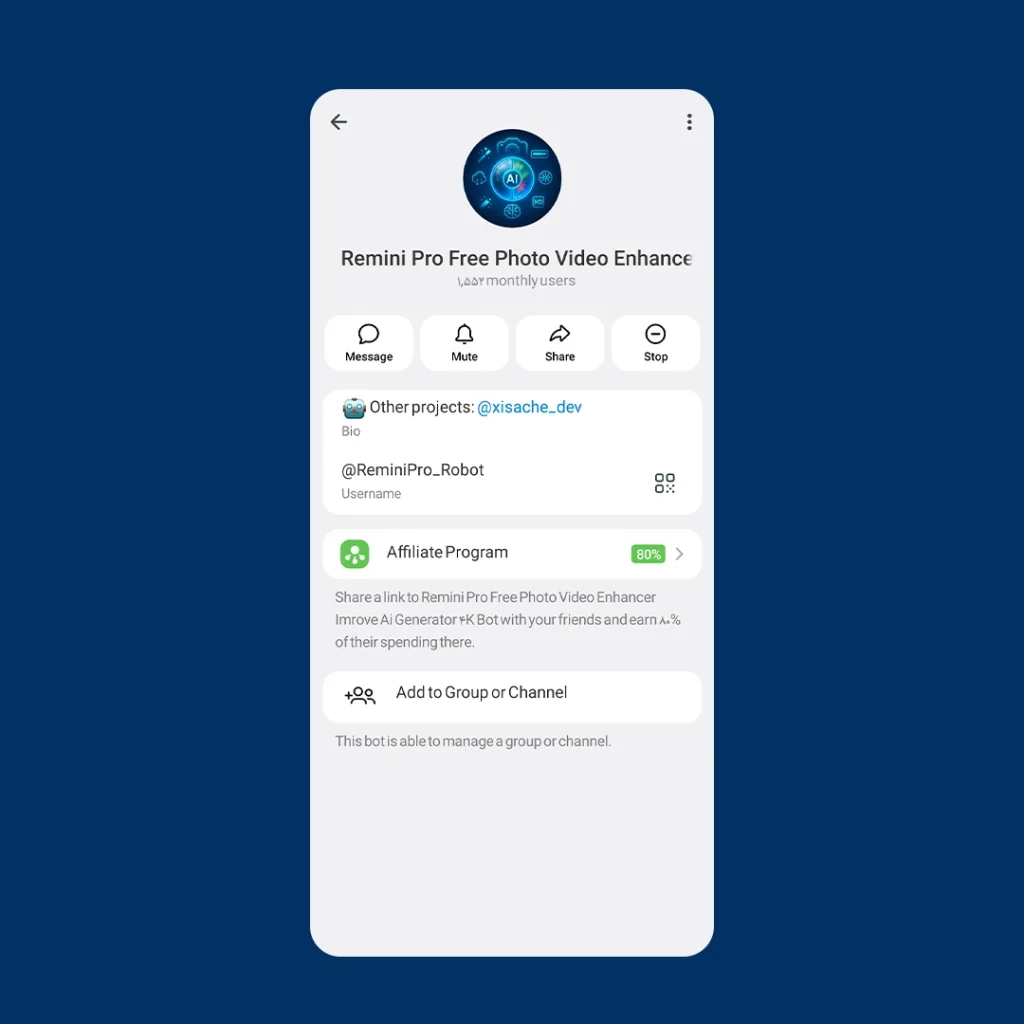
ReminiPro_Robot
You might notice that this specific bot does not always pop up in standard Google web indexes. I managed to extract its direct handle from my private chat logs so you can bypass the web search clutter entirely. It does an outstanding job stabilizing facial details in highly dynamic video frames.
- Direct Access Link: ReminiPro_Robot
Top Telegram Video and Image Enhancer Bots: The Photo Wizards
When it comes to moving frames, the upscaling process demands a much higher level of AI processing power because the algorithm must maintain visual consistency across multiple frames per second. Over my months of testing, most video bots failed miserably, leaving weird artifacts or making the footage look like a plastic cartoon. However, after filtering through the junk, I found that the following remote processing tools genuinely excel at stabilizing moving pixels, reconstructing facial details, and turning compressed clips into crisp footage.
Important Navigation Note: Because Google indexes public web domains rather than individual encrypted Telegram chats, you will notice that some of the highly functional bots below do not appear in standard web searches. To ensure you do not fall for scam copies, I have embedded the direct, verified
t.mecloud links directly into their titles so you can access them instantly.
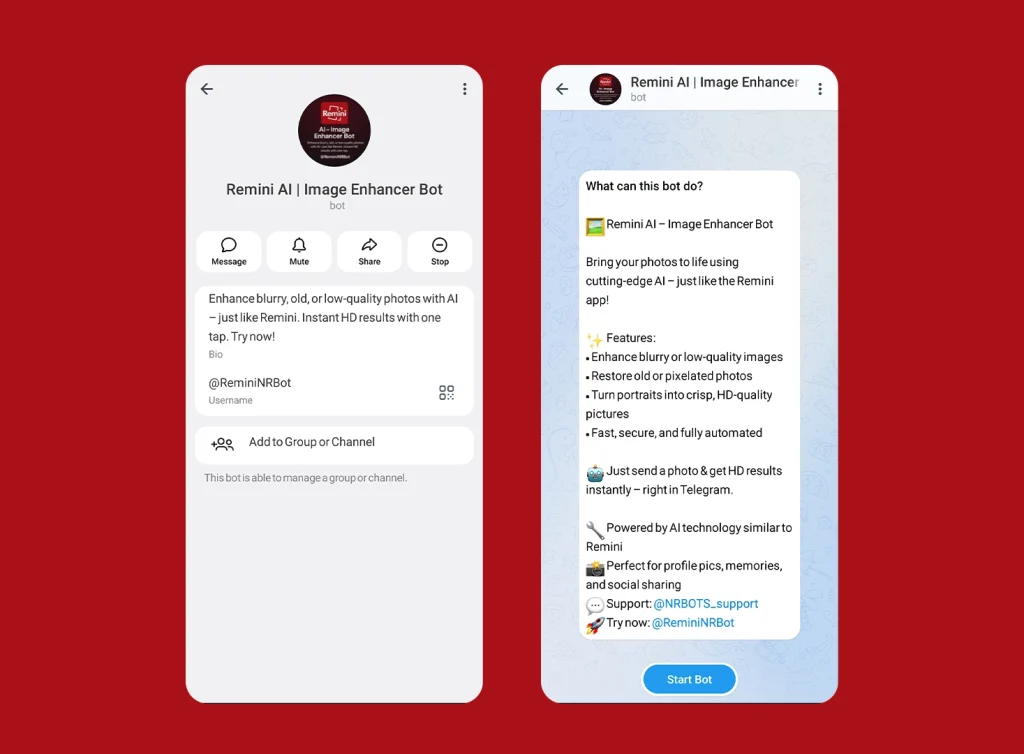
ReminiNRBot
If you have old family archives or low light shots filled with annoying visual grain, this is the bot you need. It focuses intensely on noise reduction, smoothing out grainy artifacts without stripping away the natural, crisp lines of the original picture.
- Direct Access Link: ReminiNRBot
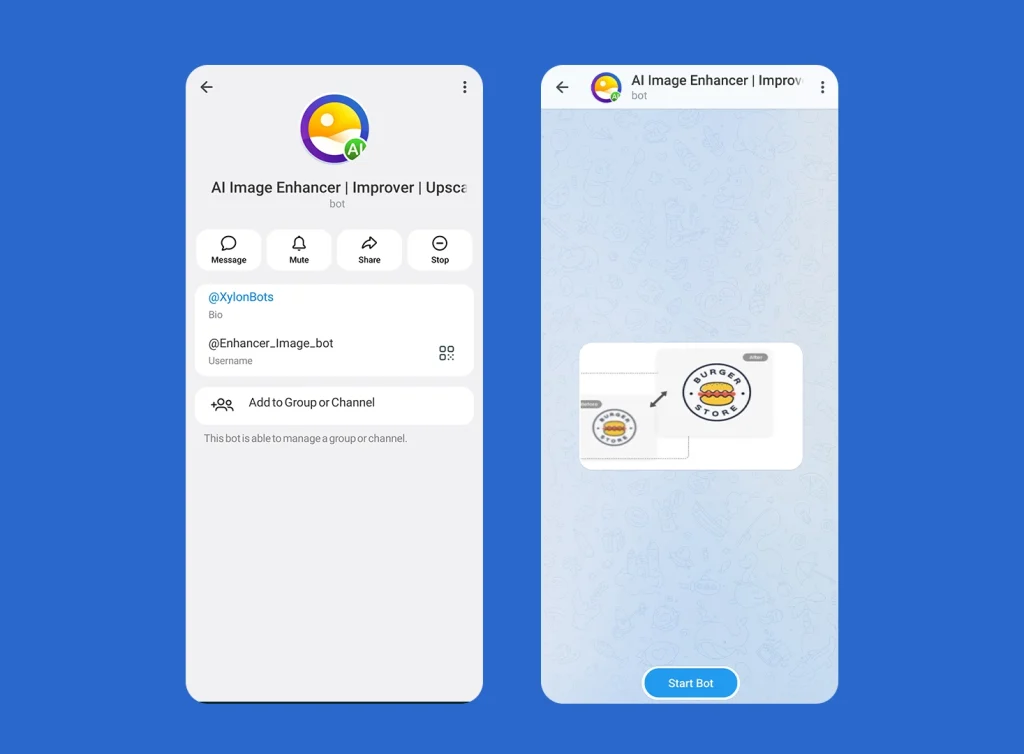
Enhancer_Image_bot
I love utilizing this tool specifically for portraits and close up shots. It isolates human facial features, automatically balances localized lighting, smooths out skin textures, and adds a beautiful, realistic pop of contrast to the eyes.
- Direct Access Link: Enhancer_Image_bot
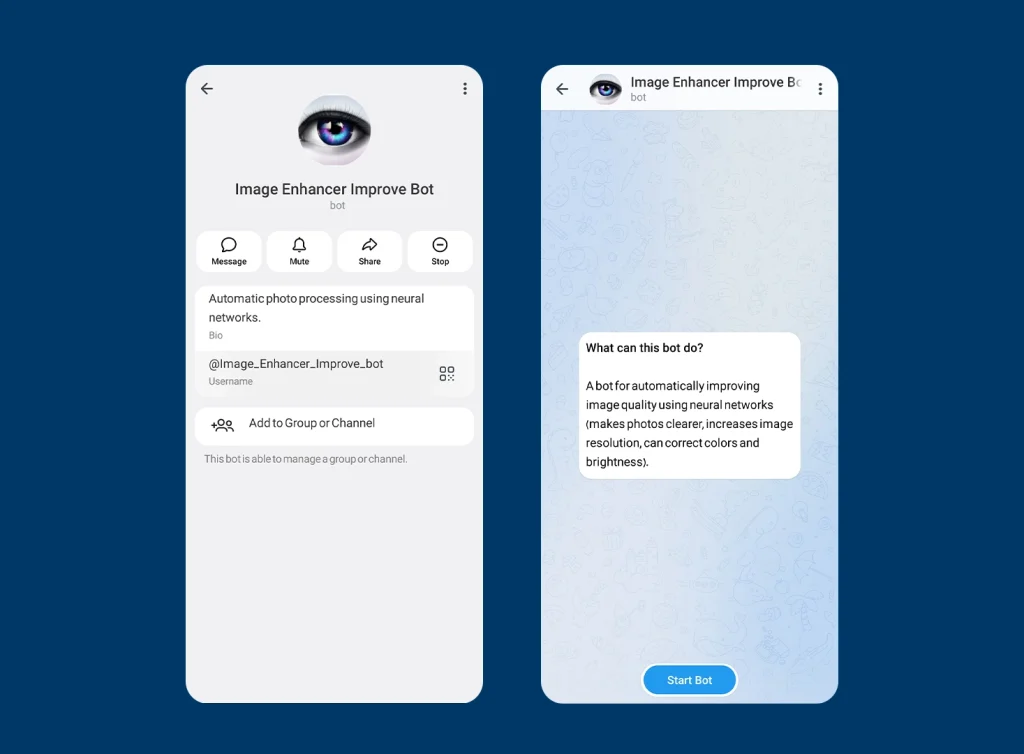
Image_Enhancer_Improve_bot
This bot serves as an exceptional all rounder for landscapes and digital graphic designs. It works by expanding the actual physical resolution of the image, handing you a significantly larger file size with deeply enriched color balance.
- Direct Access Link: Image_Enhancer_Improve_bot
The Realistic Insider Facts About AI Media Enhancers
Before you start flooding these bots with your entire media gallery, let me share a few honest, experience based insights to help manage your expectations.
- Daily Usage Limits: Almost all premium upscaling bots operate on a freemium model. You can generally expect a firm daily limit, typically restricting free users to around 5 videos or photos per day before requiring an upgrade.
- Watermark Restrictions: To cover massive cloud computing costs, certain free processing queues might embed a small branding watermark onto your final output file.
- The Input Dictates the Output: While AI models feel magical, they cannot reconstruct a photo that is completely pitch black or totally blank. The final enhanced quality depends heavily on the core elements present within the submitted image.
Pro Tips to Avoid Bot Errors and File Rejections
If you have ever started an AI upscaler bot only to receive a frustrating error message, you are not alone. Remote AI servers are highly sensitive to file structures. To ensure the top Telegram Video and Image Enhancer Bots process your media seamlessly on the first try, keep these professional compliance rules in mind:
- Watch the File Size Ceilings: Because these utility tools handle rendering on shared cloud nodes, they enforce strict weight limits. Aim to keep your submitted images under 10 megabytes and your video clips under 150 megabytes to prevent immediate queue rejection.
- Stick to Universal Containers: While modern web extensions like WebP or high efficiency mobile video containers (like HEVC/H.265) are great for storage, AI upscaling models prefer traditional assets. Convert your photos to clean JPG or PNG formats, and make sure your videos use the standard MP4 wrapper before hitting send.
- Avoid Extremely Tiny Source Files: AI models work by predicting and generating new pixels based on existing structural data. If you upload a tiny thumbnail that is less than 200 by 200 pixels, the algorithm lacks the foundational patterns required to rebuild the image, usually resulting in a distorted or rejected output.
Quick Performance Comparison Matrix
| Bot Username | Media Specialization | Core Superpower | Search Link Status |
| @Reminiobot | Video Upscaling | Motion Blur Correction | Public Cloud Link |
| @ReminiPro_Robot | Video Enhancing | Facial Feature Stabilization | Exclusive Direct Link |
| @ReminiNRBot | Photo Enhancing | Granular Noise Reduction | Exclusive Direct Link |
| @Enhancer_Image_bot | Photo Enhancing | Portrait and Selfie Polish | Exclusive Direct Link |
| @Image_Enhancer_Improve_bot | Resolution Boost | Landscape and Graphic Scaling | Public Cloud Link |
Turning Pixels into Profit: Commercial Applications for Content Creators
While scaling up old family photos is highly satisfying, the top Telegram Video and Image Enhancer Bots offer immense financial value if you know how to leverage them commercially. Here are the exact avenues where I use these bots to optimize my professional monetization models:
- Social Media Management and Curation: If you manage entertainment, fashion, or design channels, you frequently source raw visual inspiration online. I routinely use specialized Pinterest Downloader Telegram Bots to grab aesthetic layouts and mood boards. Since these saved files often suffer from heavy platform compression, running them through automated upscalers allows you to push crisp, high definition content to your feed, which significantly increases user engagement metrics.
- E Commerce Product Polish: Small online businesses often drop raw smartphone photos of their inventory. Utilizing noise reduction image bots elevates these quick shots into premium lifestyle visuals, directly boosting customer trust and sales conversions.
- Freelance Design Mockups: When client assets arrive ruined by compression, you can bypass tedious manual redraws by using resolution boosting bots to establish a clean base template before starting your creative layout.
Creative AI Tools You Must Explore
If you ever want to expand past standard media upscaling and actually generate completely new creative assets, the Telegram ecosystem offers far more than just editing tools. When I am not repairing damaged files, I frequently look for top AI Art Generator Bots on Telegram to build custom avatars, digital illustrations, and high fidelity textures directly from simple text prompts.
Furthermore, integrating these generated visuals with advanced animation layers has become a core strategy for modern content creators. Exploring the most viral ai telegram bots and utilizing automated free Telegram AI Bots to Convert Image to Video allows you to morph static designs into dynamic promotional clips on the fly. By combining these creative generator pipelines with the upscaling bots mentioned above, you can establish a complete, professional digital studio right inside your chat interface.
Frequently Asked Questions
Are my uploaded photos and videos safe with these Telegram enhancer bots?
Yes, the reputable bots listed here process your files temporarily in cloud servers to execute the AI upscaling algorithms. However, because these are automated public tools, I always recommend a strict safety rule: avoid uploading highly confidential personal documents, financial screenshots, or sensitive records to any public AI interface on the web.
Why is the bot taking so long to return my enhanced video?
Unlike simple image filters, AI video upscaling requires massive computational power because the remote servers must process and reconstruct dozens of frames per second. If the bot is taking a few minutes, it usually means your file is either long or you are currently placed in a processing queue behind other users on the server.
How can I stop Telegram from ruining my media quality before it even reaches the bot?
This is a massive trick most people miss. When you send a photo or video normally, Telegram applies aggressive compression immediately. To get the absolute best results from an AI enhancer, always send your media as a raw Document or File instead of a regular photo or video gallery item. This ensures the bot receives 100% of the uncompressed data.
Is there a legitimate way to bypass the daily free processing limits?
The most stable and efficient method is to purchase the official premium tiers directly within the interactive menu of each specific bot. Alternatively, if you are working on a larger project, you can easily rotate your workflow queue among the different alternative bots featured on this curated list to maximize your cumulative free daily bandwidth.
Final Thoughts: Elevating Your Mobile Workflow
Mastering the top Telegram Video and Image Enhancer Bots is one of the fastest ways to eliminate the frustrating bottlenecks of digital compression. By using the specialized cloud tools we discussed and sending your media as raw uncompressed documents, you can instantly rescue damaged pixels and maintain a professional look on your channels entirely from your smartphone. AI tools are evolving rapidly, and staying ahead of these trends gives your content a massive competitive edge.
Are you looking to design your own advanced automation bots, or looking to scale up your personal Telegram channel structure to achieve top tier visibility? Connect directly with our dedicated specialized team via our official support handle at @membertelsupport for professional advice.













Leave a Reply