
I honestly thought I was looking at a glitch in the Matrix when my static portrait started smiling and sipping coffee inside a Telegram chat. The AI revolution isn’t just happening in fancy web browsers; it is happening right here, in the app you use to message your friends. I have spent countless hours testing dozens of tools to find the absolute Best free Telegram AI Bots to Convert Image to Video in 2026. Forget expensive software or complicated web interfaces. You can create stunning, cinematic animations directly in your chat app. This is my personal curated list based on real world tests, helping you skip the junk and find the gems.
What is the Best Free Telegram AI Bot for Image to Video?
For me, the best bot depends on whether I need artistic flair or photorealistic motion. Through my testing, Photify AI stands out for its sheer versatility in creating different styles from one image. However, if you are looking for pure motion realism, Magic Ai Video is exceptional.
Quick Comparison Table of Top Bots
| Bot Name | Best For | Daily Free Usage | Watermark |
| Photify AI | Diverse Styles | 5 Videos | Possible |
| Magic Ai Video | Cinematic Motion | 5 Videos | Small |
| ImageToVideoBot | Quick Results | 10 Videos | Minimal |
Best free Telegram AI Bots to Convert Image to Video
Here are the bots I actually use to bring my static photos to life. I’ve tested them thoroughly so you don’t have to waste time.
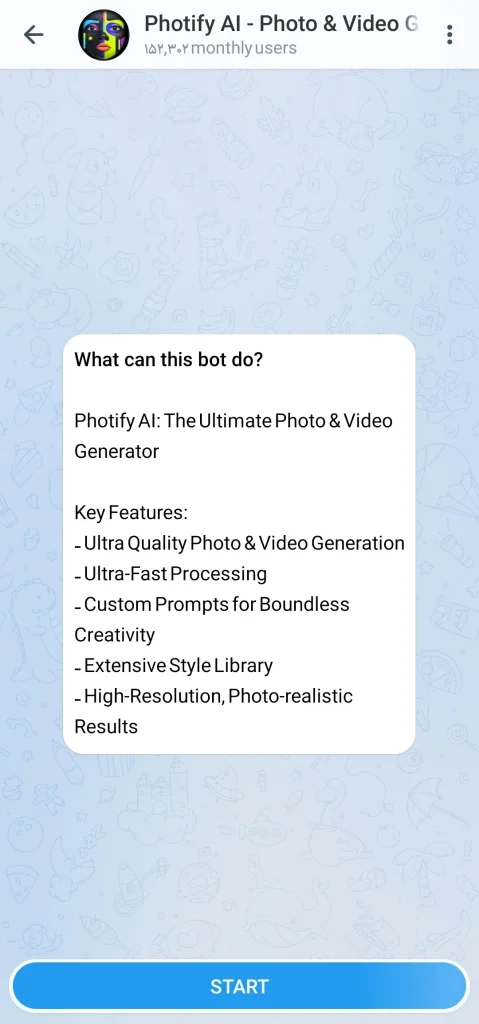
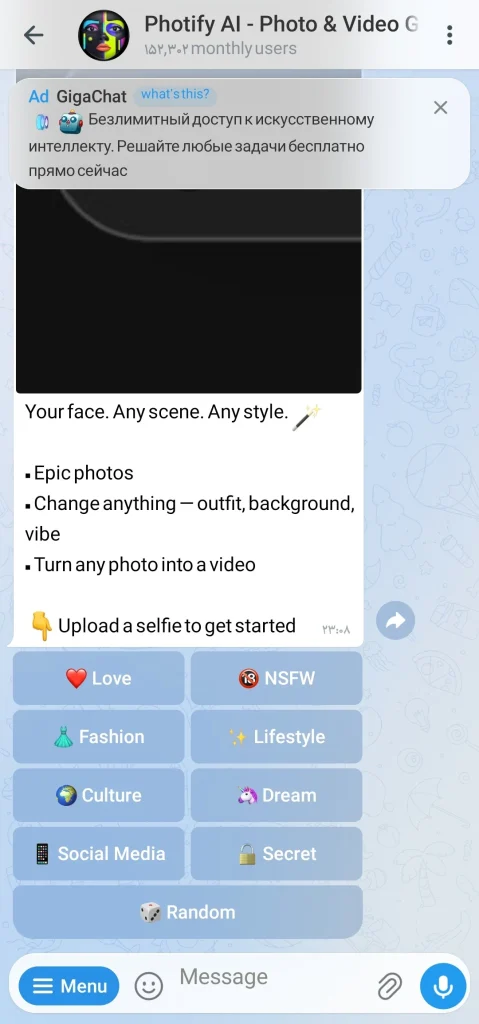
1. Photify AI – Photo & Video Generator
I love this one because it’s not just about movement; it’s about transformation. I uploaded a simple portrait, and it turned it into a breathtaking animated scene with different lighting effects.
- Username: @botifyai_bot
- My Experience: The output is incredibly fast. Just upload your image, pick a style, and watch it work magic.
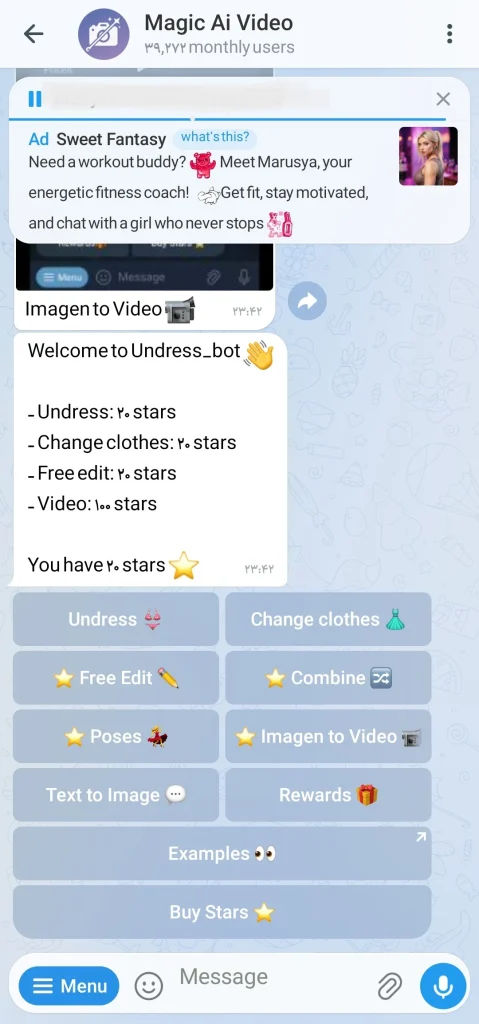
2. Magic Ai Video
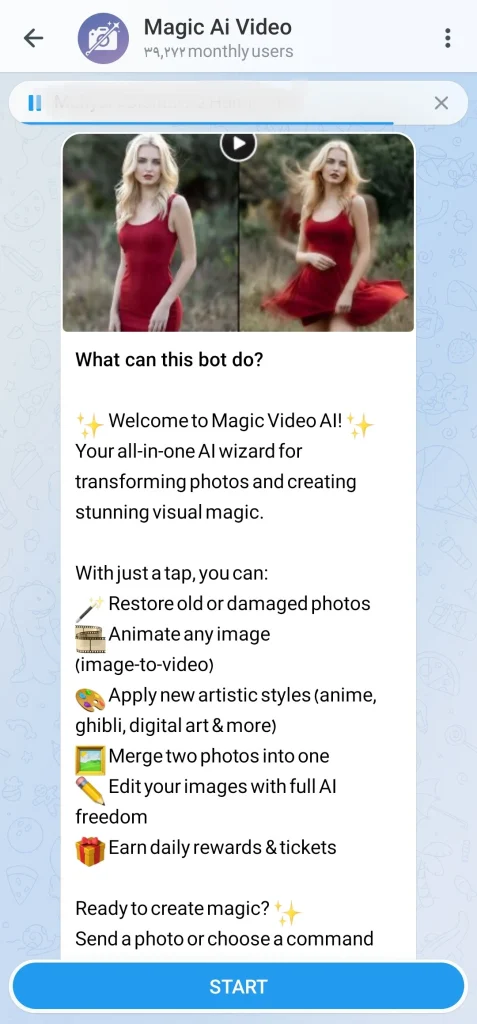
When I need a photo to look like a scene from a movie, this is my go to. It analyzes the depth of the image and creates realistic movement, making landscapes look absolutely epic.
- Username: @magic_video_ai_bot
- My Experience: The motion realism is top notch, especially for cinematic scenes.
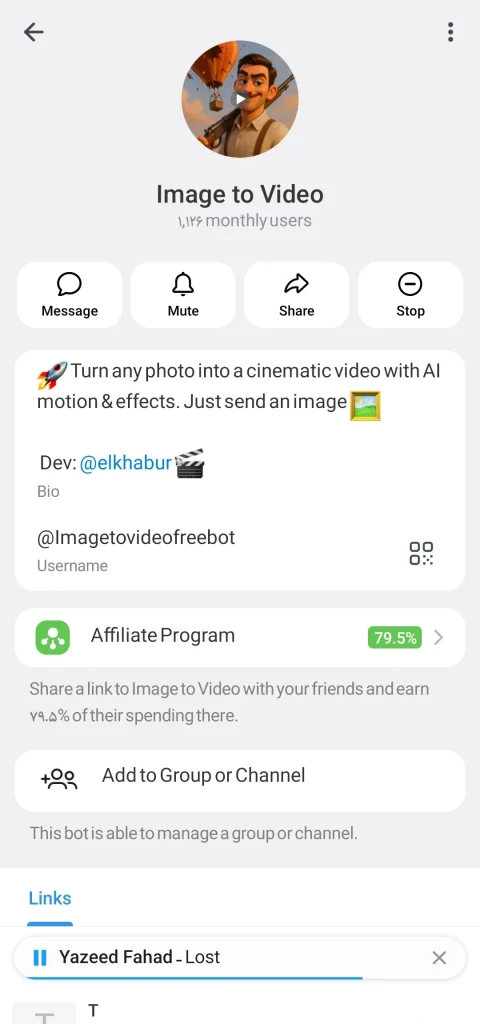
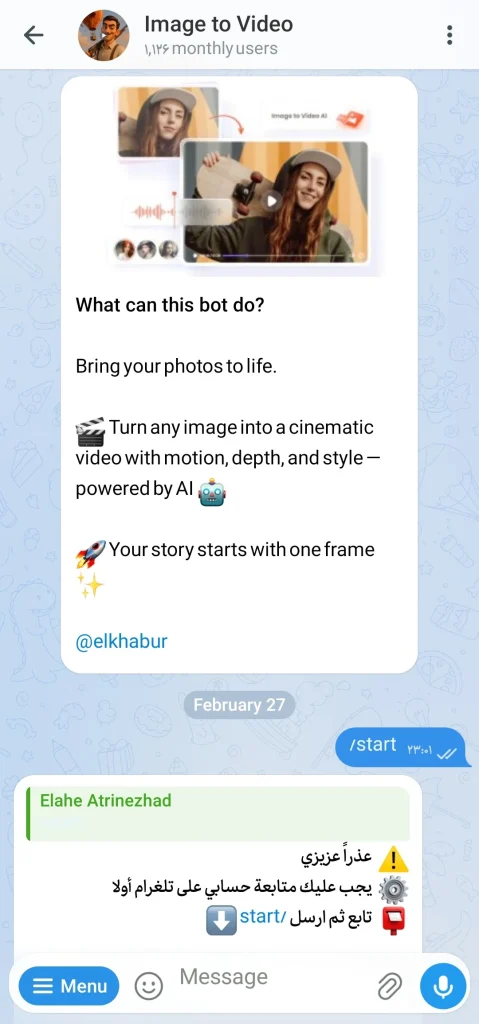
3. @Imagetovideofreebot
This is the workhorse of the group. It is straightforward and efficient. While it might not have as many artistic filters as Photify, it excels at generating smooth animations quickly.
- Username: @Imagetovideofreebot
- My Experience: Perfect for simple, fast image to video tasks when I am in a hurry.
Crucial Real World Limitations You Need to Know
I need to be honest with you about using free AI tools. It is not all sunshine and rainbows. Based on my experience, here is what you need to keep in mind to manage your expectations.
Before you start creating animations, you might want to explore the latest Telegram Bots for AI Image Generation to ensure you have the perfect base image to work with.
- Daily Usage Limits: Almost every single free bot has limits. You can usually generate around 5 videos per day for free. If you need more, you will need to wait for the next day or pay.
- Watermarks: Some bots will put a small logo or watermark on your video to identify that it was made with their tool.
- Input Quality Matters: This is the most important rule. If you upload a blurry or low resolution picture, the AI cannot guess the details. The final video quality depends entirely on the image you submit.
How to Get the Best Results: My Personal Workflow
I learned the hard way that you cannot just upload any photo and expect a masterpiece. Here is how I set myself up for success:
- Use High Resolution Photos: Always use clear, high quality images.
- Describe the Motion: If the bot allows text prompts alongside the image, be specific. Instead of “make it move,” try “gentle wind blowing through the hair.”
- Experiment: Don’t be afraid to try different styles in Photify AI to see which one works best for your specific image.
My workflow involves testing not just image to video tools but also keeping an eye on the most viral ai telegram bots to find unique features before everyone else does.
Advanced Prompting Techniques
I’ve learned that just uploading a photo is only half the battle. To get truly cinematic results, you need to talk to the AI correctly. Here is how I structure my prompts to make the output look like a professional video production:
- Define the Motion Type: Don’t just say “make it move.” Instead, use specific camera movements. For example, I use phrases like “slow cinematic pan right” or “subtle zoom in” to get a steady shot.
- Add Environmental Details: AI needs context. If I want to animate a portrait, I add environmental effects to the prompt like “gentle wind blowing hair” or “soft dust particles floating in the background.”
- Describe the Lighting: Changing the lighting can completely transform a still image. I often add keywords like “dramatic volumetric lighting” or “soft golden hour glow” to make the scene pop.
Pro Tip: Combine these together. A prompt like “slow cinematic pan right, wind blowing hair, soft golden hour glow” will yield far better results than just giving the AI a simple image.
FAQ: Telegram AI Bots to Convert Image to Video
Are these bots actually free?
Yes, they all have a free tier that allows for a limited number of video generations per day.
Can I use these videos commercially?
It depends on the bot’s specific terms of service. Always check their /help command for commercial usage rights.
How long does it take to generate a video?
Usually, it takes between 10 to 60 seconds, depending on the complexity of the video and the server load.
When using third party AI tools, I always prioritize privacy and advise checking the bot privacy policy before uploading sensitive photos.
Final Verdict: Best free Telegram AI Bots to Convert Image to Video
Using Telegram bots for AI generation is no longer just a gimmick. It is a powerful tool for creators. I have shown you my personal favorite Telegram AI Bots to Convert Image to Video that actually work in 2026.
Ready to start creating but having trouble with limits? If you run into any issues with these tools, our dedicated support team is here to help. Reach out to us at @membertelsupport for assistance.










Leave a Reply