
If you are looking for the best Telegram bot for workflow and productivity to streamline your day, here is the direct answer. For conversational reminders and smart scheduling, @SkeddyBot is the top choice. For connecting your chat to external cloud apps like Gmail, @IFTTT offers the most robust automation. If you need to manage project tasks directly inside your messaging window, the official @trello_bot provides the most seamless integration.
We all have the same twenty four hours in a day but managing multiple creative projects, tracking clients, and staying focused can make those hours disappear fast. Over the years, I have tried every heavy project management software on the market. Some felt too robotic, while others required constant window switching that killed my focus. That was until I discovered how to turn my messaging app into a highly efficient control center. Finding the best telegram bot for workflow and productivity completely changed the way I handle my daily professional routines.
Today, I am sharing my personal, tried and tested setup. These are real, active tools that help me automate tedious tasks, track my goals, and manage entire team boards without ever leaving my chat screen. To initiate your first digital assistant, you only need to complete three basic steps. First, search for the official username of the verified assistant in your global Telegram search bar. Second, click the start button inside the active chat window to initialize the tool. Third, follow the clear on screen onboarding instructions to link your specific preferences. Once you master these basic commands, you can advance to complex cross platform integrations that connect your entire business database to a single chat screen.
Why I Moved My Entire Workflow and Productivity Setup to Telegram
As a creative professional, my biggest enemy is context switching. Research shows it takes up to twenty minutes to regain deep focus after checking an external app. When I discovered that I could merge my notifications, reminders, and project boards into Telegram, my efficiency skyrocketed.
Telegram is no longer just a chat application. In 2026, it serves as an ultra lightweight ecosystem where intelligent automation happens instantly. By selecting the right digital assistants, you can reduce administrative clutter, eliminate distractions, and keep your creative energy where it belongs.
The Ultimate Breakdown: Best Telegram Bot for Workflow and Productivity Choices
To help you get a quick overview of the landscape, I have structured a clean comparison table below. This highlights how each digital assistant functions and where it shines brightest in your daily operations.
| Bot Username | Primary Use Case | Best Feature |
| @SkeddyBot | Reminders and Scheduling | Natural Language Processing |
| @IFTTT | Cross Platform Automation | Connects to 700 External Apps |
| @trello_bot | Project and Task Management | Real Time Board Updates via Chat |
| @pomodoro_timer_bot | Focus and Time Tracking | Structured Work and Break Intervals |
| @TheFeedReaderBot | Competitor and Intel Tracking | Instant RSS and Social Media Alerts |
Let us dive deep into each tool so you can understand exactly how to integrate the best telegram bot for workflow and productivity solutions into your professional life.
1. Skeddy (@SkeddyBot)
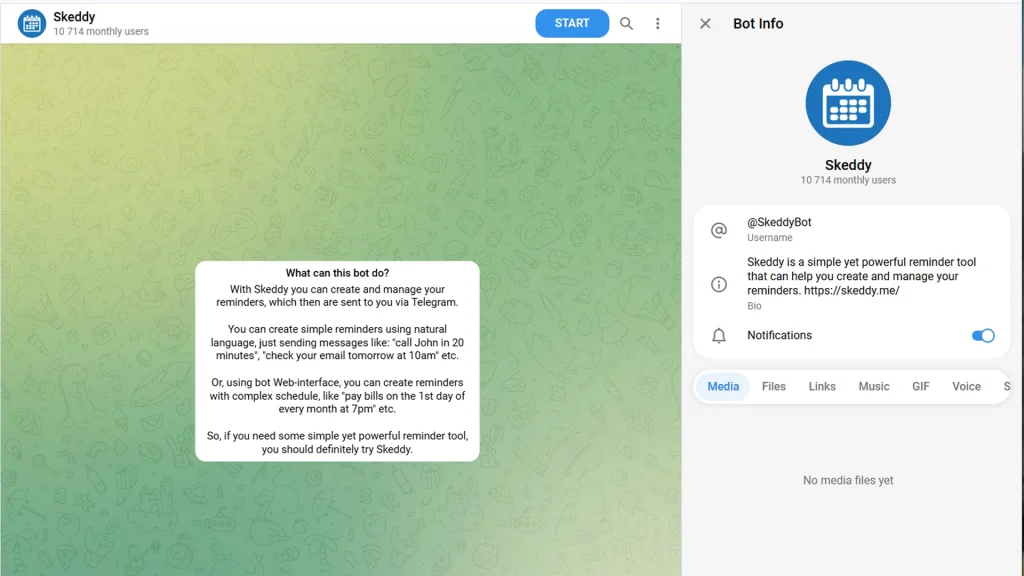
Missing deadlines is not an option when managing premium brands or handling complex client milestones. Skeddy is my absolute favorite solution for quick, contextual scheduling among various Telegram reminder bots on the market. Instead of forcing you to fill out complex calendar forms or open separate heavy applications, this bot understands you like a real person.
- Overview: A lightweight yet incredibly powerful reminder tool designed to convert standard chat conversations into structured administrative tasks.
- Key Features: It possesses advanced natural language processing that translates conversational English into precise calendar alerts. It also supports complex recurring reminders for weekly or monthly tasks.
- Real World Application: You can simply type a message like “Remind me to check the website canonical tags tomorrow at 4 PM” and the bot parses the data perfectly, sending you a ping exactly when you need to act.
2. IFTTT (@IFTTT)
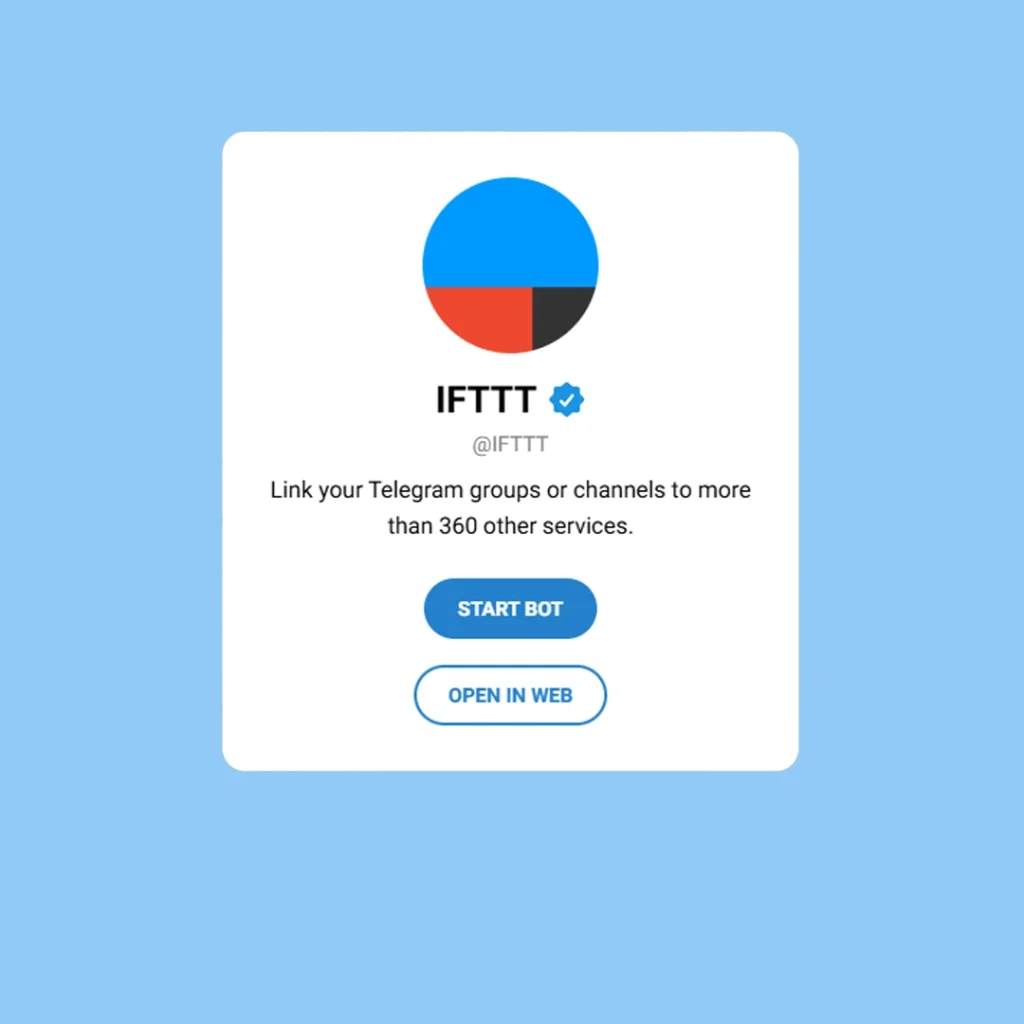
If you want to experience true, hands free automation, IFTTT is the ultimate superpower for your workspace. This official bot links your Telegram account to the massive If This Then That ecosystem, acting as an instant bridge between your chat screen and hundreds of external web utilities.
- Overview: A master automation node that lets you establish custom recipes to link messaging folders with global cloud products.
- Key Features: It allows you to create custom triggers and actions. It connects your chat environment to cloud storage, social channels, smart devices, and email servers seamlessly.
- Real World Application: You can easily set up an automated workflow where every single time you receive an important project attachment in Gmail, a copy is instantly forwarded to your private Telegram channel for immediate review.
3. Trello Bot (@trello_bot)
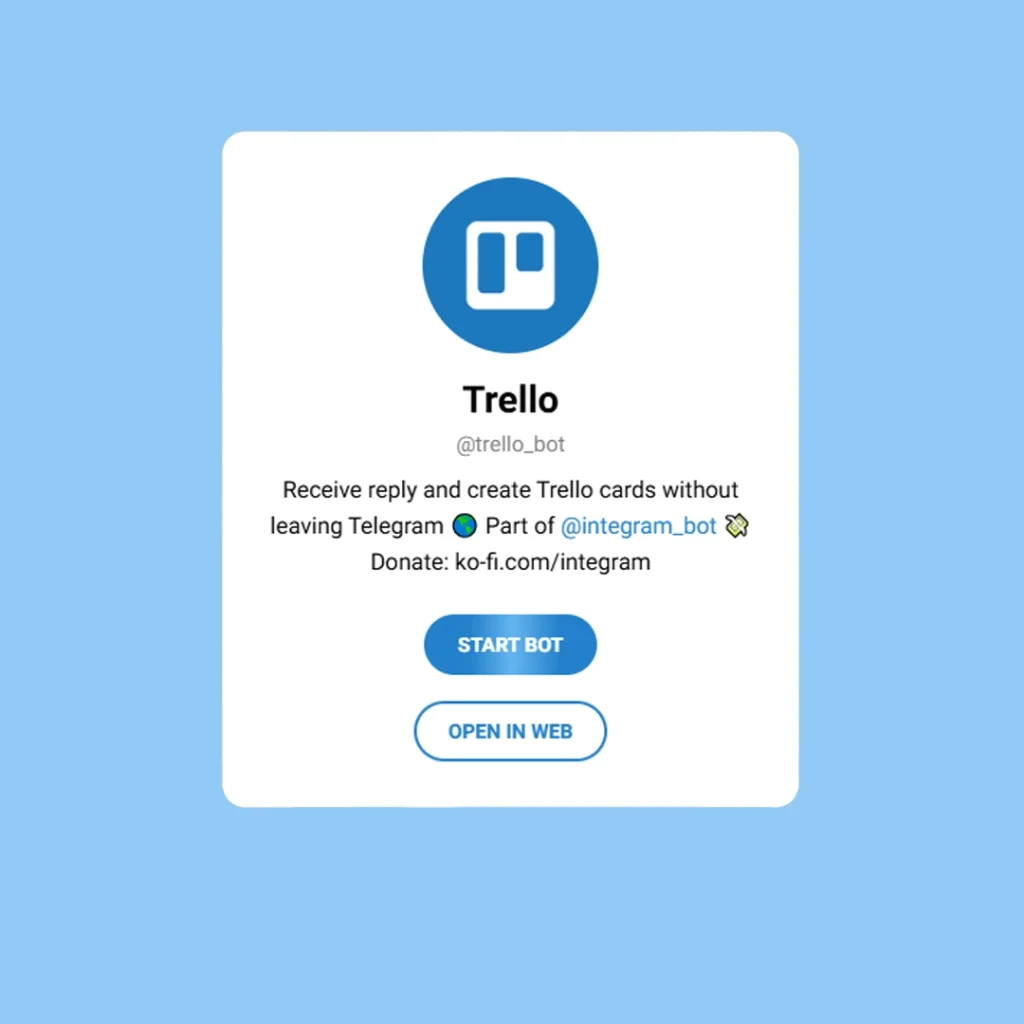
Keeping up with changing project boards can be exhausting when you are in the zone. The official Trello Bot brings your entire project pipeline straight into your active messaging window, making internal collaboration incredibly fast.
- Overview: A direct portal to your visual scrum and kanban tracking boards, optimizing cross functional communication.
- Key Features: It delivers instant notifications when cards are moved, comments are added, or deadlines are updated. It also allows you to interact with your boards directly through chat commands.
- Real World Application: When a client approves a concept, you can use the bot to instantly create a new task card, assign it to a team member, and set a due date without ever opening a separate web browser tab.
4. Pomodoro Timer Bot (@pomodoro_timer_bot)
High quality creative output requires deep focus, but working for hours without a break kills your long term endurance. The Pomodoro Timer Bot implements a scientifically proven time management framework straight inside your daily workspace.
- Overview: A minimalist concentration engine that introduces behavioral structural boundaries to eliminate digital distractions and boost daily efficiency.
- Key Features: It sets up highly structured, customizable intervals for intense work and mandatory mental rests. It keeps a clean record of your focus sessions to track your daily stamina. Furthermore, statistical data from productivity tracking networks shows that users utilizing structured interval systems experience a 40% increase in continuous task completion rates compared to those working without temporal boundaries.
- Real World Application: When starting a heavy design or writing session, you activate the timer. The bot pings you to work flawlessly for twenty five minutes, then commands you to take a five minute break, ensuring you stay fresh all day.

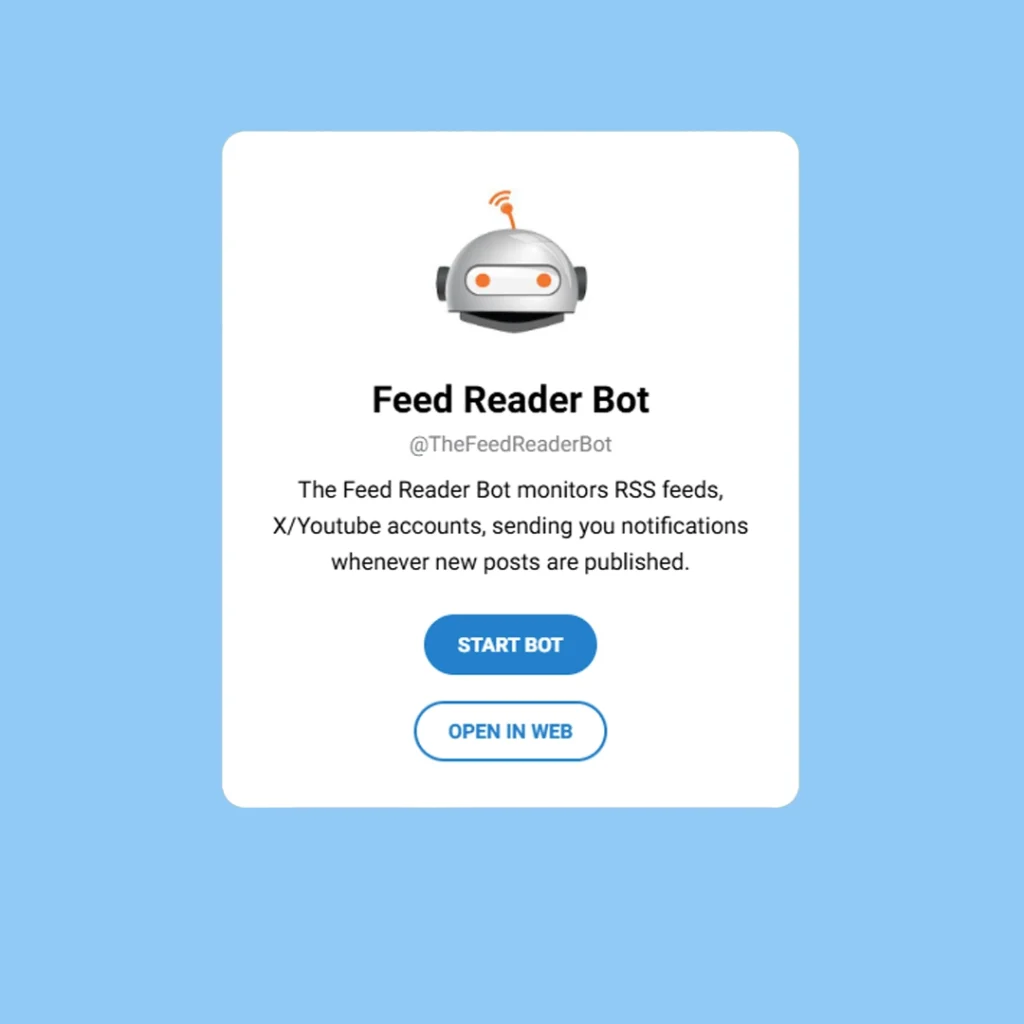
5. Feed Reader Bot (@TheFeedReaderBot)
Staying ahead in competitive digital fields means monitoring market trends and competitor moves constantly. Feed Reader Bot serves as your personal intelligence agent, working silently in the background so you never miss an industry shift.
- Overview: An automated content aggregator that acts as a custom syndication terminal inside your private feed.
- Key Features: It monitors web updates, RSS feeds, YouTube uploads, and social media accounts in real time. It aggregates all updates into a clean, unified reading list inside your app.
- Real World Application: Instead of manually visiting twenty different design blogs and industry news portals every morning, you subscribe to their feeds via the bot and consume all major updates in one organized, distraction free stream.
Real World Applications: How Professionals Automate Daily Routines
Let us look at a practical example of how these tools interact in a real business day. Imagine you are launching a new marketing campaign. Your morning starts with an automatic alert from Feed Reader Bot showing a new trend. You instantly use Trello Bot to assign a new content piece to your design team.
As you dive into your deep work phase, you turn on the Pomodoro Timer Bot to block out external noise. While you are designing, IFTTT silently works in the background, backing up your shared client assets directly to a secure Google Drive folder. This is not just chatting, it is an interconnected digital ecosystem.
Commercial vs Informational: Choosing Your Perfect Productivity Companion
When looking for the best telegram bot for workflow and productivity, evaluate your specific needs. If your goal is strictly informational, tools like Feed Reader Bot will keep your knowledge sharp. If your needs are commercial, exploring specialized Telegram bots for remote work and operational integrations like IFTTT and Trello Bot will save your business thousands of hours in lost labor.
Frequently Asked Questions (FAQ)
Can these productivity bots access my private chats or leak sensitive company data?
No, legitimate and official workflow assistants do not have the technical ability to read your private conversations or group messages. They operate strictly on an explicit command basis, meaning they only process information that you directly type into their specific chat window or actions you explicitly authorize through cloud integrations. To maintain maximum data security, it is vital to understand the technical boundaries by asking Are Telegram bots safe before installing unverified tools and avoid sharing sensitive account passwords.
Do I need a paid Telegram Premium subscription to utilize these workflow automation tools?
No, you do not need a paid Telegram Premium subscription to use any of these digital assistants. The vast majority of productivity tools offer incredibly generous free tiers that easily handle individual professional workflows, standard task monitoring, and small team operations. Premium upgrades are only required if you hit massive usage volumes or need highly advanced enterprise level external API connections.
Can I connect multiple external cloud applications to my Telegram workspace simultaneously?
Yes, you can bridge hundreds of external platforms into a single Telegram feed. By utilizing advanced orchestration tools like IFTTT, you can establish multiple independent recipes. This allows you to simultaneously route automated updates from your Gmail account, backup documents to Google Drive, and sync task adjustments to your Trello boards without any system conflicts.
Final Takeaway
Building an optimized system is all about reducing friction. Embracing the best telegram bot for workflow and productivity strategies allows you to streamline communication, automate heavy lifting, and reclaim your valuable time.
If you want to design a custom automation workflow for your business or need expert technical assistance setting up your professional channels, connect with our dedicated team today at @membertelsupport to unlock your full operational potential.










Leave a Reply