
To report a scammer on Telegram instantly, open the official verified @notoscam bot, forward the fraudulent messages, and provide the user’s permanent numerical ID along with clear screenshots of the activity. Alternatively, you can click on the user’s profile, select the “Report” option, and choose “Fake Account” or “Spam” to flag them directly. Once verified by the platform’s moderation team, the account will either face an outright ban or receive a permanent, highly visible red “SCAM” badge next to their name to warn all other users.
Over the past few years, I have watched Telegram evolve into an incredible platform for community building, secure messaging, and global networking. Unfortunately, this massive growth has also turned it into a prime target for malicious actors. If you have recently encountered a suspicious user, lost funds to a fraudulent channel, or found someone mimicking a popular admin, you are probably feeling frustrated and looking for immediate answers. I have been navigating the tech and security landscape for a long time, and today I want to share my personal knowledge and hands-on experience on exactly how to expose, block, and report these threat actors to protect yourself and the wider community.
Why Would a Scammer Want to Use Telegram?
To effectively defend ourselves, we first need to understand the enemy’s playground. Why would a scammer want to use Telegram in the first place? Based on my observations, the platform offers a unique mix of features that, while amazing for privacy-focused users, are heavily exploited by bad actors.
The primary reason is the ease of maintaining anonymity. Telegram allows users to hide their phone numbers completely, meaning anyone can create a profile using just a random username. Furthermore, the ability to build massive public channels and automated systems makes it incredibly easy for a single fraudster to target thousands of people simultaneously. Combined with the rapid rise of irreversible digital asset transfers and global financial groups on the app, malicious actors view it as a low-risk, high-reward environment where they can disappear into thin air by simply deleting a chat history.
How to Identify a Fake Account on Telegram?
Spotting a fraudster before they trap you is the ultimate shield. Over the years, I have developed a sharp eye for these red flags, and you can easily train yourself to catch them too.
How Do You Know if You Are Chatting with a Scammer?
If you are interacting with someone new and feel a gut check telling you something is wrong, look out for these specific behavioral patterns:
- The Unsolicited Urgent Message: They almost always reach out to you first via direct message, often claiming you won a lottery, an exclusive giveaway, or offering an investment opportunity that sounds way too good to be true.
- Impersonation Tactics: They meticulously copy the profile picture, bio, and display name of a legitimate group administrator or a popular public figure. However, if you look closely at their username, you will notice a tiny typo, a swapped letter like a capital letter I instead of a lowercase letter l, or an added underscore.
- The Shift to Secrecy: They will often pressure you to click on external links, download suspicious files, or move the conversation into secret chats where self-destructing messages leave you with absolutely no evidence.
- Urgency and Financial Pressure: They create artificial scarcity, telling you that you must act within minutes or send funds immediately to secure a specific benefit.
Step-by-Step: How to Report a Telegram Scammer?
If you have already identified a malicious actor, it is time to take decisive action. Do not let them slip away to target another victim. Here are the three most effective, real-world methods I use to file an official report.
Real-World Statistics & Impact
Recent digital security reports highlight that cyber fraud within messaging networks has surged by over 40% globally. Security analysts observe that nearly 1 in 5 digital asset losses originate from social engineering tactics deployed on open communication platforms. This makes rapid reporting not just an option, but a necessity. To visualize your immediate options, the data below outlines how to execute a report across different application interfaces.
Method 1: Using the Official @notoscam Bot
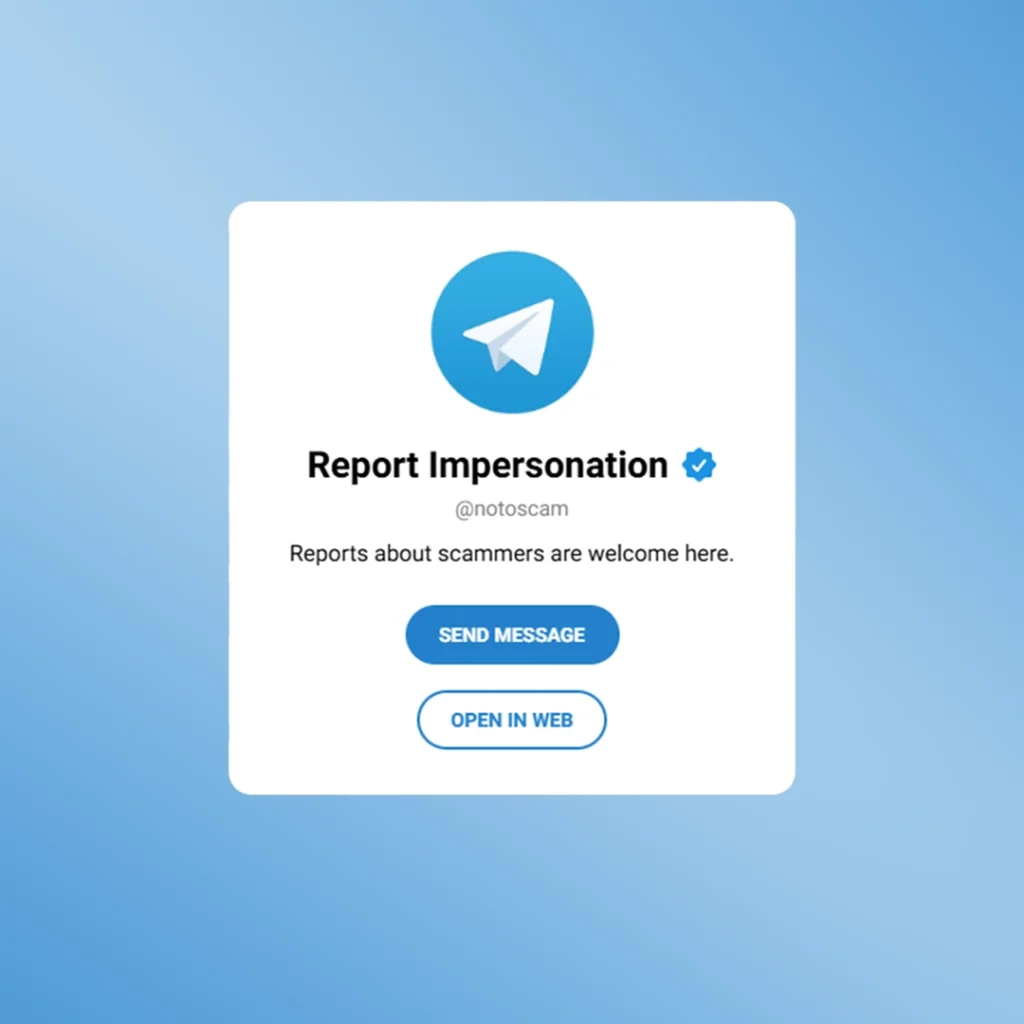
This is by far the most powerful tool at your disposal. The @notoscam account is the official, verified bot managed directly by the platform’s support team specifically to handle fraud reports.
- Type @notoscam in your main search bar and make sure it has the verified blue checkmark next to its name.
- Start the bot and follow the interactive prompts.
- Forward the exact messages where the individual attempted to defraud you.
- Provide a clear, written explanation of what happened in English.
- Upload unedited screenshots showing the conversation and the user’s profile details.
- If possible, extract and send their unique numerical ID, which cannot be changed even if they modify their username.
Method 2: Reporting Directly via Profile (In-App)
If you need to report an account, group, or channel quickly on your mobile device or desktop app, you can use the built-in moderation tool.
| Step | Action on Mobile (iOS/Android) | Action on Desktop/Web |
| 1 | Open the scammer’s profile or chat window | Open the chat and click their name at the top |
| 2 | Tap the three dots menu icon in the top right corner | Click the three vertical dots icon for more options |
| 3 | Select the “Report” option from the list | Click the “Report” button |
| 4 | Choose “Fake Account”, “Spam”, or “Violence” | Select the most relevant category for the violation |
| 5 | Add optional text details and submit | Confirm your submission to the moderation team |
Method 3: Submitting Detailed Proof via Email
For complex corporate identity theft, massive phishing campaigns, or when you have extensive logs of data that a bot cannot easily process, you should write an official email. Send your comprehensive report, including all relevant links, user IDs, and image attachments, directly to abuse@telegram.org. Make your subject line clear, concise, and urgent.
How to Expose a Scammer on Telegram Safely?
When you uncover a malicious actor inside a public group or community, your immediate instinct might be to start an argument. Don’t do that. Engaging with them directly often causes them to block you, delete the chat evidence, or change their username instantly.
Instead, the best way to expose them is to quietly gather your proof. Take clear screenshots of their profile and messages. Once you have the evidence, tag the actual, verified group administrators in the main public chat to alert them, or send the details to the community’s official security notice board. Many public communities maintain an internal community-driven Telegram scammer list to warn members about active threat actors. Sharing the user’s permanent numerical ID within these safe spaces ensures that even if they alter their public display name, the community’s automated moderation tools will recognize and ban them instantly. When a community unites and submits coordinated evidence, the impact is immediate. I have witnessed multiple security operations where a malicious network was dismantled within hours, cutting off the fraudsters from their audience completely. This global reporting approach is critical because collective vigilance directly helps to secure the entire ecosystem from identity theft and financial fraud. If you are managing a growing community and want to automate this defense, you should explore the 7 Powerful Ways to Use a Telegram Bot for Spam Control to keep threat actors out of your group automatically.
Is Telegram Safe from Hackers?
A question I encounter constantly is whether the app itself is vulnerable to security breaches. The short answer is that the platform’s core server infrastructure is highly secure and exceptionally difficult for hackers to breach directly.
The vast majority of compromises you hear about are not the result of system hacks, but rather the result of successful Social Engineering. Malicious actors do not break the platform’s encryption; instead, they trick users into handing over their own keys. They create sophisticated phishing websites that look identical to official login portals, or they trick you into sharing your SMS verification code and Two-Step Verification password. The platform provides robust security settings, but it is ultimately up to the user to keep the front door locked.
When cybercriminals successfully trick individuals into handing over their SMS verification codes through phishing sites, the immediate priority shifts from basic security to digital triage. If you or someone you know has fallen into this trap, it is vital to act within the first few minutes to Recover a Hacked Account before the intruder terminates your legitimate sessions and configuration layouts.
Expert Insights for Robust Account Protection
“Security on modern messaging applications is less about cryptographic vulnerabilities and almost entirely about human factors. The absolute best line of defense against digital fraud is maintaining a strict policy of verification. Never trust a username blindly, always keep your two-step verification password enabled, and treat every unexpected financial opportunity with extreme skepticism.”
Cybersecurity Architecture Specialist & Digital Forensic Analyst
Frequently Asked Questions (FAQs)
Is it possible to report someone on Telegram anonymously?
Yes, all user reports submitted through the built-in reporting system, the official abuse email, or the dedicated moderation bots are completely anonymous. The individual you report will never be notified about who flagged their profile.
What happens when you report a scammer on Telegram?
Once a report is submitted, the moderation team reviews the associated message history and logs. If they find clear evidence of malicious activity, they will either permanently terminate the account or apply a bright red SCAM label next to the user’s profile name to serve as a permanent warning to the public.
Can I get my money back after being scammed on Telegram?
The platform acts strictly as a communication medium and does not process, manage, or mediate financial transactions. If you have lost funds through digital assets, gift cards, or bank transfers, the platform cannot recover them for you. You must immediately collect your chat logs and file a formal case with your local law enforcement cybercrime unit.
Can a scammer escape a report by changing their username?
No, changing a public username or deleting a display photo does not alter an account’s unique, permanent numerical user ID. Once the official moderation team links a report to that specific numerical ID, the penalty will apply to the account regardless of how many times the user attempts to change their outward appearance.
Need Extra Security Assistance?
Protecting your digital footprint and managing secure public spaces can sometimes feel overwhelming when dealing with persistent threat actors. If you are struggling to Report a Telegram Scammer effectively or need advanced guidance on setting up bulletproof community moderation to secure your channel infrastructure against coordinated attacks, feel free to reach out to our dedicated support team via our official handle: @membertelsupport. We are here to help you build a safer, cleaner, and entirely secure community environment.














Leave a Reply