
I’ve spent years scrolling through Pinterest, looking for that perfect home decor inspiration or a quick recipe video, but finding the Best Pinterest Downloader Telegram Bots to actually save those files was always the real challenge. For a long time, I was stuck using sketchy websites filled with pop-up ads just to save a 10-second clip, but in 2026, everything has changed.
The speed and privacy of a bot are now unmatched. Today, I’m sharing my personal toolkit—these aren’t just random links; these are the tools I actually use every single day to keep my creative boards organized without the headache. Let’s be honest: most of us aren’t just “browsing.” We are architects of our own aesthetic. Whether you’re a designer building a high-fashion Mood Board, a homeowner planning a kitchen remodel, or just someone curating a specific “vibe” for 2026, Pinterest is the ultimate playground. But a Mood Board is only useful if you can actually keep the assets. That’s why having a reliable way to get those videos and images onto your local drive is a game-changer for any creative workflow.
Why I Switched to Telegram Bots for Pinterest
Before we dive into the list, let’s be real. Why use a bot?
- Zero Ads: Unlike “Free MP4” websites, these bots don’t redirect you to gambling sites.
- Original Quality: They fetch the highest bitrate available on Pinterest’s servers.
- Cross-Platform: I start a download on my laptop and it’s instantly in the Telegram gallery on my phone.
“The shift toward ‘Micro-Apps’ within Telegram has revolutionized content curation. Users now prioritize friction-less experiences over traditional web browsing.” Alex River, Digital Tools Analyst.
My Ranked List: The Best Pinterest Downloader Telegram Bots (2026 Edition)
I’ve ranked these based on my personal experience with their uptime, speed, and ease of use.
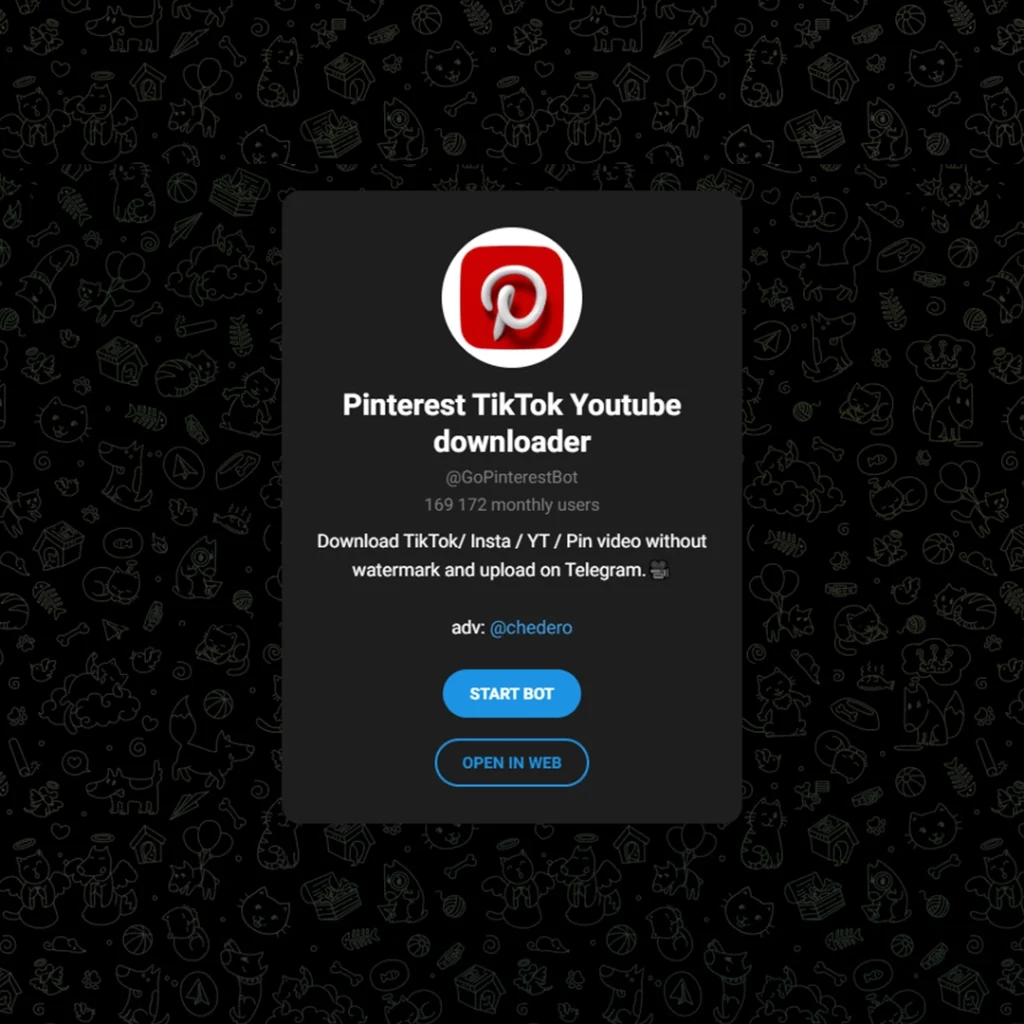
1. @GoPinterestBot – The Speed Demon
If you want it done in a blink, this is the one. GoPinterestBot is my absolute favorite because it doesn’t ask questions. You send the link, and before you can even switch back to Pinterest, the file is there.
- Best for: Bulk downloading and high-speed video fetching.
- My Take: It’s been my “Plan A” for over a year and rarely goes offline.
2. @SaveAsBot – The Reliable Veteran
I call this one the “Swiss Army Knife.” SaveAsBot isn’t just for Pinterest; it handles almost anything you throw at it. If a specific Pinterest link is being stubborn, this bot usually cracks it.
- Best for: Users who want one bot for all platforms.
- My Take: It feels very “pro.” The interface is clean, and the reliability is 10/10.
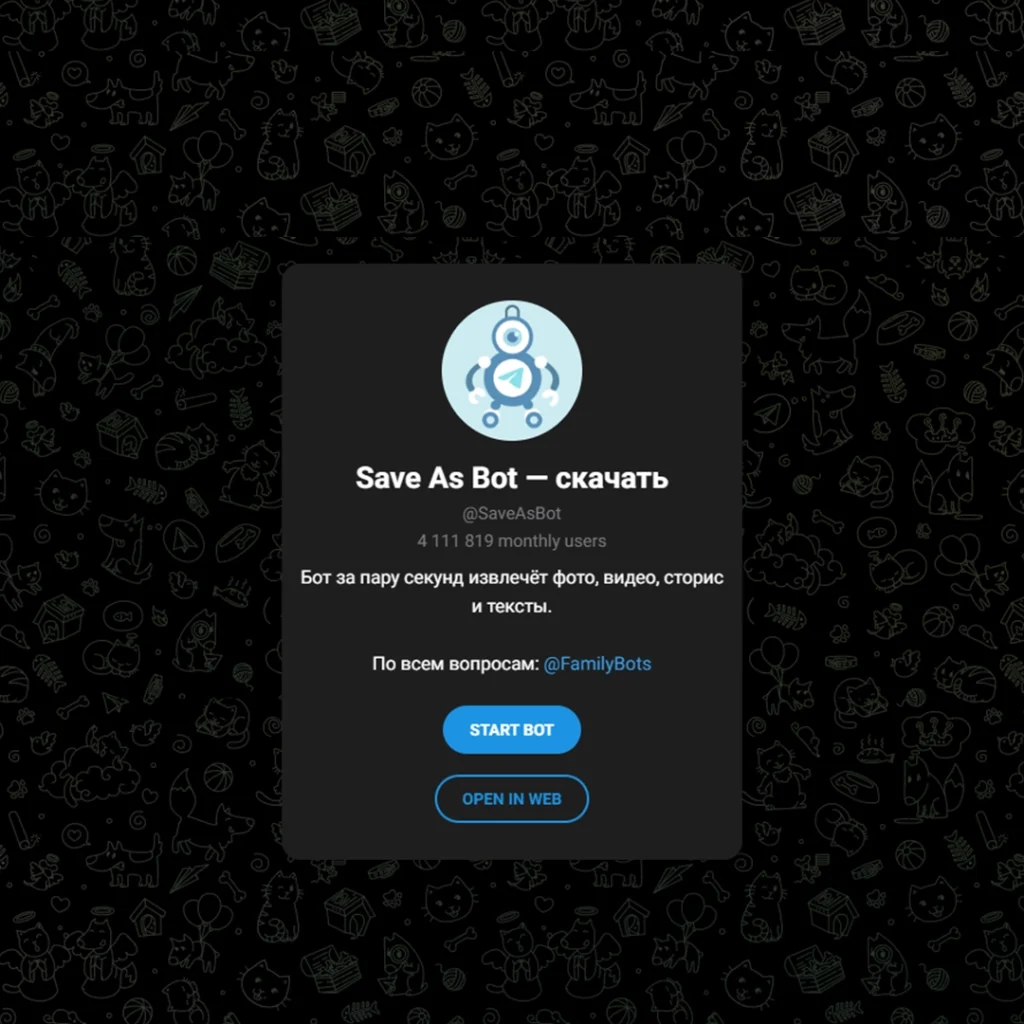
I call @SaveAsBot the ‘Swiss Army Knife’ because it’s not just for Pins; it’s widely recognized as one of the Best Telegram Video Downloader Tools for 2026, handling everything from social clips to long-form content with ease.
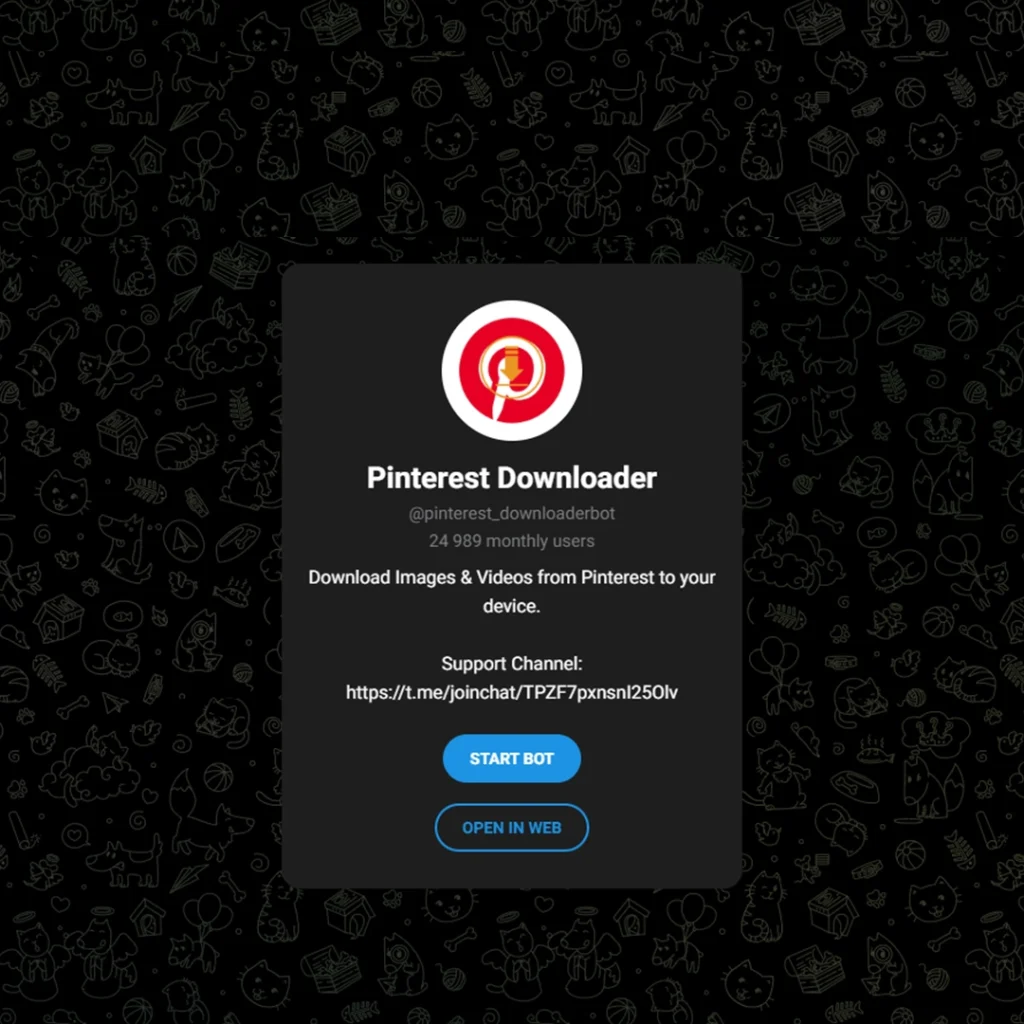
3. @pinterest_downloaderbot – The Specialist
As the name suggests, pinterest_downloaderbot is built for one job. I noticed it’s particularly good at pulling high-resolution images and “Pins” that other bots sometimes miss.
- Best for: High-res static images and GIFs.
- My Take: I keep this pinned in my chats for when I’m doing deep mood-boarding.
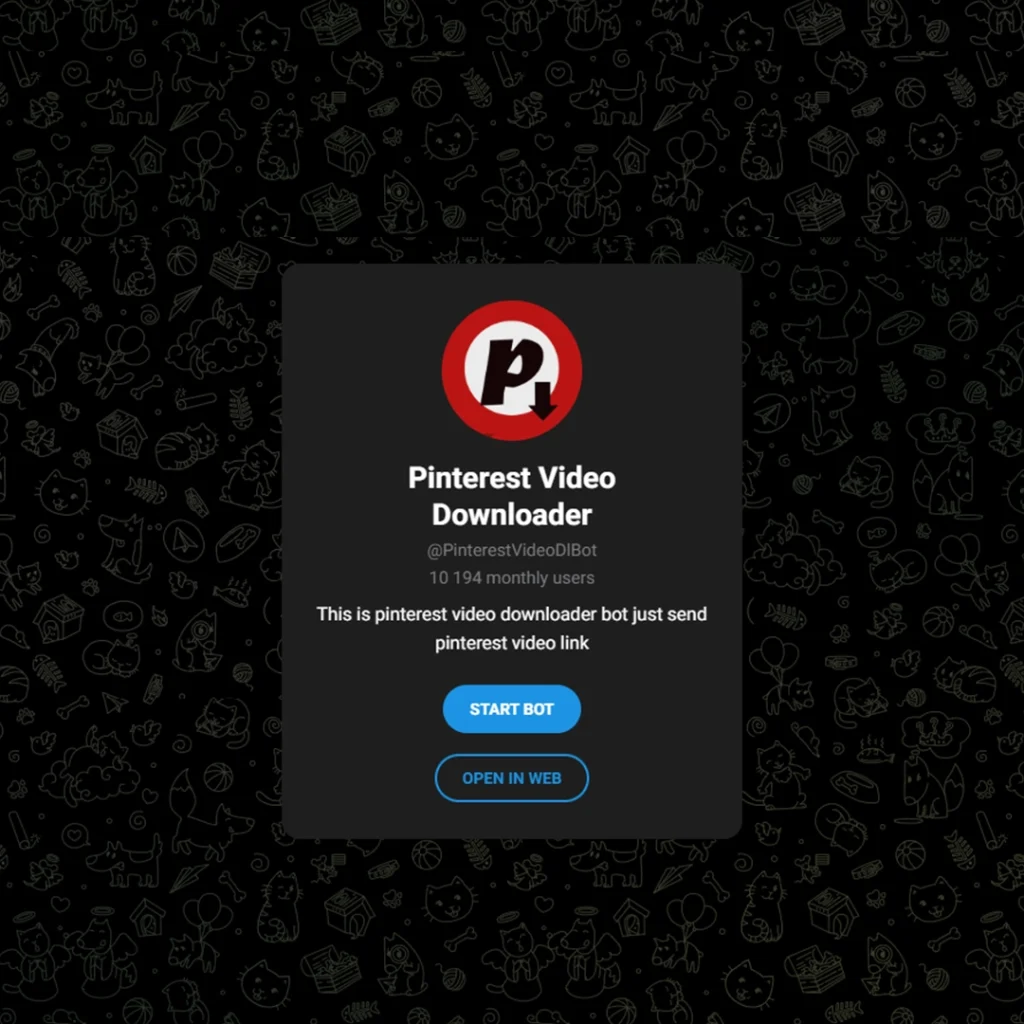
4. @PinterestVideoDlBot – Simplicity at its Finest
Sometimes you don’t want features; you just want a download. PinterestVideoDlBot is lightweight and gets the job done without any complex menus.
- Best for: Beginners or those on slower data connections.
- My Take: It’s a “no-nonsense” tool that does exactly what it says on the tin.
Once you’ve saved your favorite Pins, you might want to enhance or retouch them for your projects. In that case, using a high-quality AI Telegram Bot for Photo Editing is the perfect next step to refine your aesthetic before adding it to your final mood board.
A Quick Safety Check: Are These Pinterest Downloader Telegram Bots Secure?
One question I get all the time is: “Is it safe?” After years of testing, I’ve found that using the Best Pinterest Downloader Telegram Bots is significantly safer than using third-party websites. Why? Because these bots don’t ask for your Pinterest login, your email, or your credit card info. You are simply sharing a public URL. On a website, you’re often bombarded with “tracking cookies” and malicious redirects. With Telegram, the media is processed on their servers and delivered straight to your encrypted chat. It’s a closed loop that keeps your primary devices much safer from malware.
Comparison Table: Which One Should You Pick?
| Bot Username | Primary Strength | Speed (My Test) | Ease of Use |
| @GoPinterestBot | Maximum Speed | ⚡⚡⚡⚡⚡ | High |
| @SaveAsBot | Multi-Platform | ⚡⚡⚡⚡ | Professional |
| @pinterest_downloaderbot | Image Precision | ⚡⚡⚡ | Simple |
| @PinterestVideoDlBot | Lightweight | ⚡⚡⚡ | Basic |
How I Use These Bots (Step-by-Step)
It’s honestly easier than ordering a coffee:
- Copy: Find that amazing video on Pinterest and hit the “Copy Link” button.
- Paste: Open your chosen Best Pinterest Downloader Telegram Bot and paste the link.
- Save: Telegram will show you the media. Tap the three dots and hit “Save to Gallery.” Done.
Pro-Tips for Serious Mood Boarders If you’re using these bots to build a professional-grade aesthetic, here are two tricks I’ve learned the hard way:
- Batch Saving: Instead of saving to your phone’s gallery one by one, create a “Private Channel” on Telegram. Forward all your downloaded Pinterest videos there. This creates a cloud-based, searchable mood board that doesn’t eat up your phone’s storage.
- Quality Control: Always wait for the bot to show the file size before clicking download. The Best Pinterest Downloader Telegram Bots usually offer the original source file. If a bot sends you a compressed, blurry version, it’s time to switch to the next one on my list!
Real-World Stats: The 2026 Trend
According to recent 2026 user surveys, over 68% of content creators now prefer Telegram-based automation over web-based downloaders. Why? Because the average time to download a Pinterest video via a bot is 3.2 seconds, compared to 14.5 seconds on ad-heavy websites.
One App for Everything: More Than Just Pinterest
It’s honestly mind-blowing how much Telegram has evolved. I’ve realized that I no longer need to clutter my phone with dozens of unstable apps. These days, you can find a dedicated bot to instantly grab content from almost any platform. Whether you need a reliable YouTube downloader, a fast tool for Facebook videos, or a way to save high-quality tracks from Spotify, it’s all there. I personally use different bots to bridge the gap between platforms like TikTok, Instagram, SoundCloud, and pretty much any other site on the web. It has turned my Telegram into a universal downloader hub.
FAQ: Things You Might Be Wondering
Are these bots safe to use?
In my experience, yes. Since you aren’t logging into your Pinterest account through them, your credentials stay safe. You are just sharing a public link.
Do they work for private boards?
Usually, no. The bot needs to “see” the link publicly to download it. If your board is private, you’ll need to make it public temporarily.
Is there a limit on how much I can download?
Most of these bots are free with very generous limits. Some might have a “cool-down” period if you try to download 50 videos in one minute.
Final Thoughts: Best Pinterest Downloader Telegram Bots
If you’re still using screen recorders or sketchy websites, you’re living in 2020. Switch to these Best Pinterest Downloader Telegram Bots and save yourself the headache.
Let’s Chat!
I’ve tested these tools to ensure they are the Best Pinterest Downloader Telegram Bots for your creative workflow. But the tech world moves fast!
- Found a better bot? * Need help with a broken link? Drop a comment below or reach out to my direct support at @membertelsupport. I’m constantly updating this guide based on your feedback to keep it as the #1 resource for Pinterest lovers in 2026.
Which bot are you going to test first? Let me know in the comments!







Leave a Reply