
Every time I see that blue star next to someone’s name, I can’t help but smirk. Don’t get me wrong—I’m all for supporting developers—but after living my entire digital life on this app, I’ve realized most people are just paying for “vanity.” As someone who manages three businesses and gigabytes of data daily without spending a cent, I’ve mastered 7 powerful Telegram features that make the $5-a-month subscription feel totally unnecessary. It’s not about being cheap; it’s about being a “power user” who knows that the real muscles of this app are actually hidden in plain sight, waiting for anyone to use them for free.
Whenever my friends complain about WhatsApp’s limitations or ask if they should upgrade to Premium, I show them my setup. I’ve spent hundreds of hours digging into settings and testing bots so you don’t have to. Let me walk you through my personal arsenal of tools that prove you can dominate the platform using just the standard version.
Why These Features Actually Matter (And Who They’re For)
Before we dive into the “how,” let’s talk about the “what.” Why should you even care about mastering these specific tools?
For me, Telegram isn’t just a “chat app.” It’s a hybrid of a cloud storage service, a project management tool, and a private digital vault. If you’re using it just to text your mom or check a news channel, you’re only using about 5% of the engine.
I’ve picked these 7 powerful Telegram features because they solve the three biggest headaches of the digital age:
- Storage Anxiety: Never worrying about “Low Disk Space” again.
- Information Overload: Cutting through the noise of a hundred unread chats.
- Privacy Paranoia: Having total control over your digital footprint.
Basically, if you’re a student, a freelancer, or someone who lives their life on their phone, this is your roadmap to turning a free app into a professional workstation. You don’t need a subscription to be efficient; you just need to know which buttons to press.
1. A Powerful Telegram Feature I Rely On: Saved Messages as My Second Brain
Most people use “Saved Messages” to forward a quick meme. I use it as a 2TB+ external hard drive.
The fact that Telegram allows us to upload files up to 2GB for free is something most people seriously underestimate. I’ve stored entire project archives here from 2019, and they are still a click away.
Pro Tip from my experience: Don’t just dump things there. Use #hashtags (like #Invoices, #DesignAssets, #Links) to turn your Saved Messages into a searchable database. It’s a game-changer for productivity.
2. The Bot Ecosystem (My Personal Virtual Assistants)
Whenever someone tells me they pay for Premium just to “convert files” or “transcribe voice,” I show them my bot list.
Telegram’s open API means developers have built free tools for almost everything.
Here are the ones I personally rely on:
The File Shapeshifter
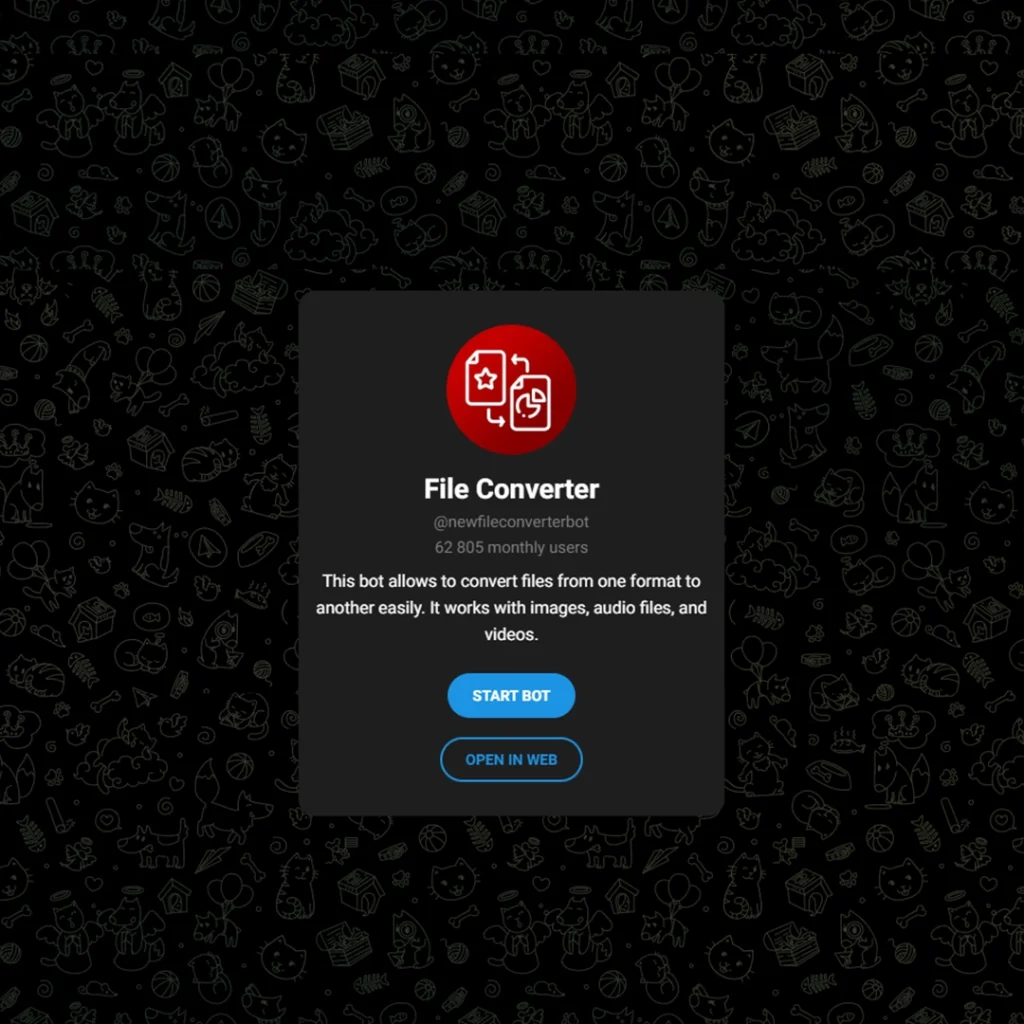
I often deal with weird file formats. Instead of paying for Premium’s enhanced file management, I use @newfileconverterbot. I just send it a document, and it asks me what I want it to become. It’s fast, free, and handles the heavy lifting for me.
The Spam Shield
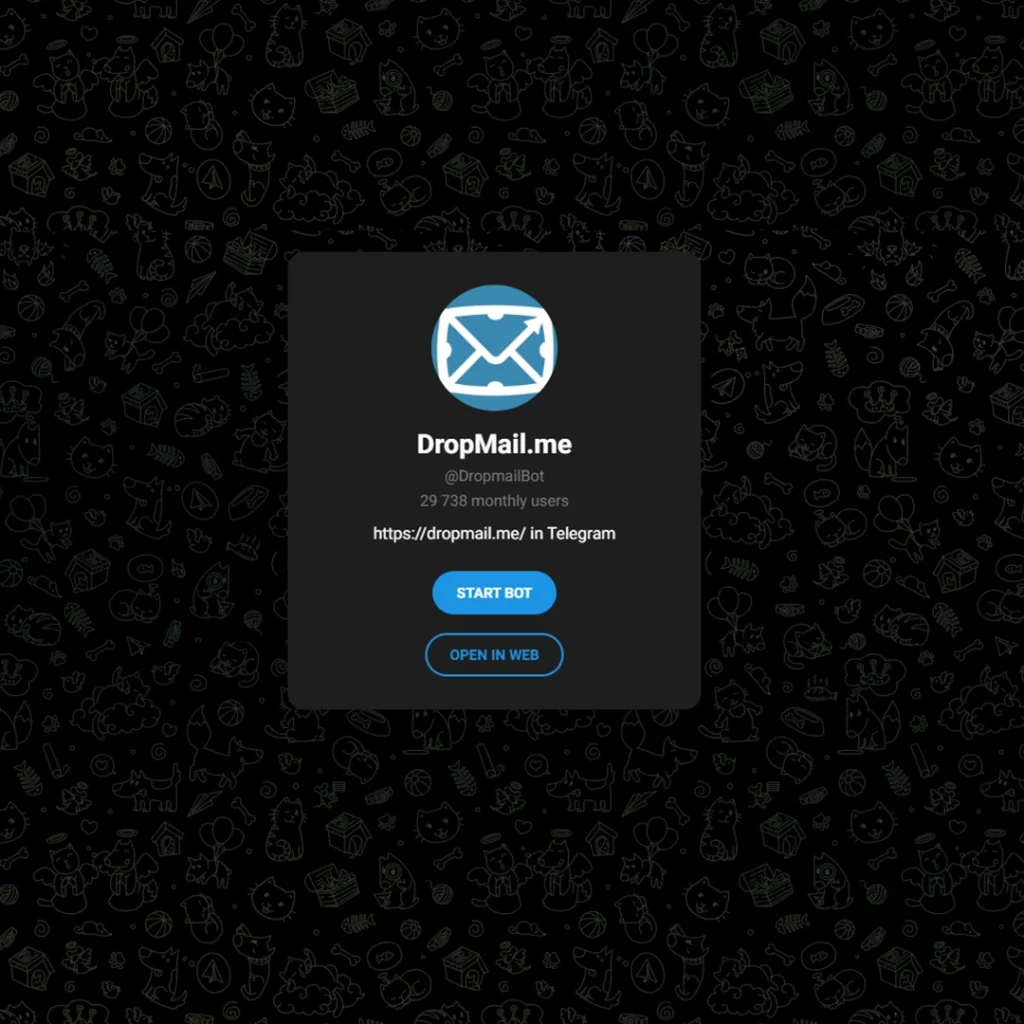
I value my inbox sanity. Whenever a site asks for an email just to let me read one article, I call up @dropmailbot. It generates a temporary email address right inside my chat. It’s a level of convenience that even a Premium subscription doesn’t explicitly offer.
The Transcriber
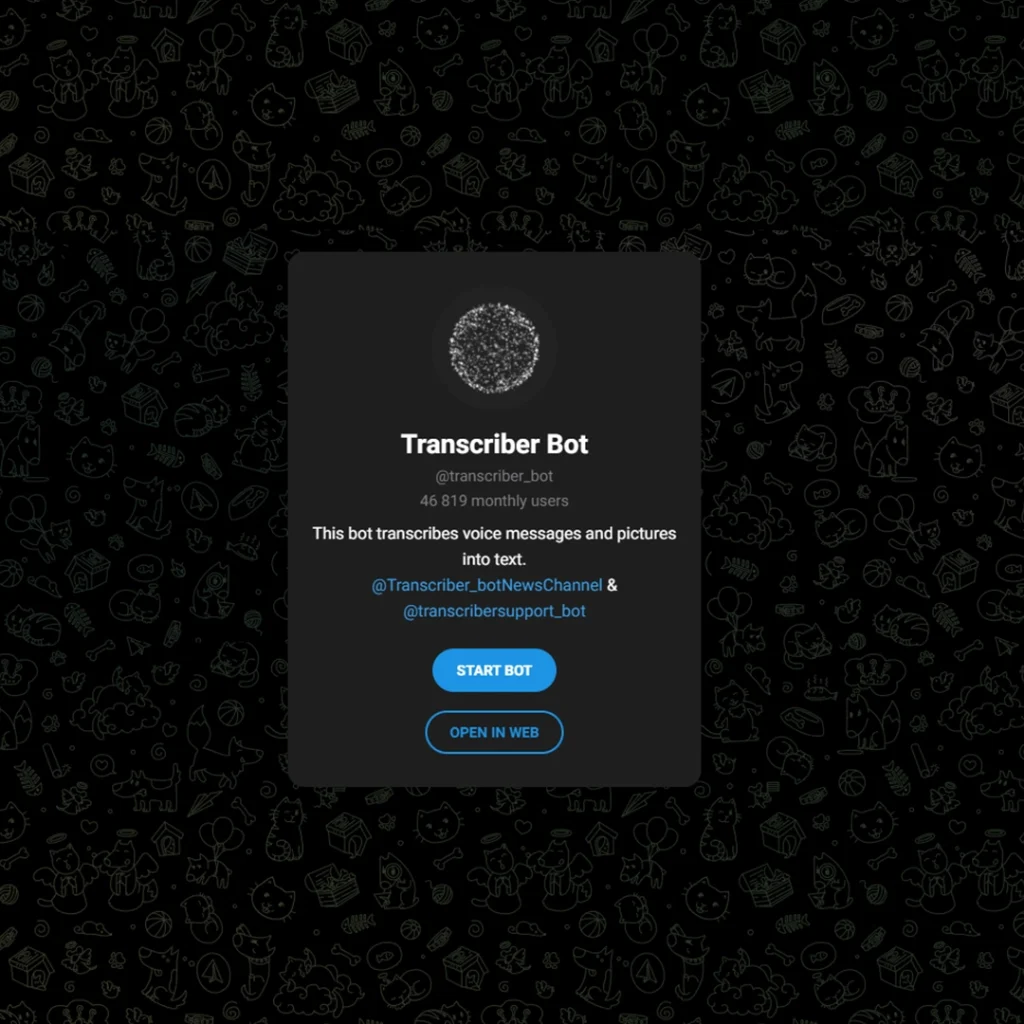
One of the biggest “selling points” of Premium is voice-to-text. But honestly? Bots like @transcriber_bot have been doing this for years. I forward my voice notes there, and it spits back the text. Is it 100% perfect? Maybe not. Is it worth saving $5 a month? Absolutely.
(Note: Just search for these handles in your search bar and you’re good to go!)
3. Folder Management: Organizing the Chaos
“I have too many chats!”—I hear this all the time. You don’t need Premium to fix this. Telegram allows free users to create up to 10 Chat Folders.
In my setup, I have a “Work” folder, a “News” folder, and a “Muted” folder for those noisy groups. It keeps my mental space clean without spending a dime.
4. Granular Privacy & The “Self-Destruct” Power
I’ve always valued my privacy, and Telegram’s free privacy settings are arguably the best in the market.
You can send One-Time View photos and videos even as a free user. I use this constantly for sending sensitive screenshots or quick passwords that I don’t want sitting in a chat history forever.
5. Silent Messages & Scheduled Sending
This is the “Polite Person’s” feature. If I have a brilliant idea at 3 AM, I don’t want to wake up my partner or my client.
- The Secret: Long-press the “Send” button.
- Silent Message: It arrives without a sound.
- Schedule Message: It arrives at 9 AM when they are actually at their desk.These 7 powerful Telegram features aren’t just buttons; they are workflow optimizers.
6. Multiple Accounts (The Work-Life Balance)
Did you know you can have up to 3 different accounts on the same app for free? I use one for my personal life and one for my digital products and business. I don’t need a “Premium” status to keep my life separated—just a second SIM card.
7. Advanced Group Management for Admins
If you run a community, Telegram gives you professional tools for free. You get:
- Detailed Analytics (once your group grows).
- Permission Control (limiting who can send stickers or links).
- Slow Mode (to stop spammers in their tracks).
As a community manager, I’ve found that these free tools are 90% of what I need to maintain a healthy group.
Real-World Usage: Free vs. Premium
| Feature | Free Version | Premium Version | My Verdict |
| File Limit | 2 GB | 4 GB | 2 GB is plenty for 99% of users. |
| Folders | 10 Folders | 20 Folders | 10 is the “Sweet Spot.” |
| Voice-to-Text | Not native | Native | Use @transcriber_bot (Free). |
Expert Take: Why the Free Version Wins
“Telegram’s strategy has always been about accessibility. While Premium supports the servers, the core ‘Power User’ experience is baked into the free version to ensure global adoption.”
Tech Insights Analyst
FAQ: Common Questions I Get
Q: Is there a limit on how many “7 powerful Telegram features” I can use daily?
A: Absolutely not. These are core parts of the Telegram experience and aren’t capped by daily usage limits.
Q: Will Telegram eventually hide these behind a paywall?
A: Based on their history, they usually keep existing features free and only add “extra” layers (like double limits) to Premium.
Q: Can I really store unlimited files?
A: Yes. As long as each file is under 2GB, you can have thousands of files in your Saved Messages.
Final Thoughts: Do You Actually Need Premium?
Look, if you want to support the developers or you really love animated profile pictures, go for Premium. But if you’re like me and you just want a tool that works, these 7 powerful Telegram features are more than enough to dominate your digital life.
What’s your favorite “hidden” Telegram trick? Drop a comment below
I’m always looking to add more tools to my free arsenal!
If you need help or have questions, reach out at @membertelsupport.












Leave a Reply