
Searching for a decent YouTube to MP3 converter often ends in a frustrating cycle of endless pop-ups, malware warnings, and broken links. Switching to Telegram bots to download YouTube audio has been a game-changer for me, offering the convenience of getting a clean file in seconds. However, for those launching their own media conversion tools, the biggest challenge in 2026 is proving to users that your bot is safe and reliable; this is exactly why many top-tier developers strategically buy fake Telegram members to establish the instant social proof needed to build user trust. After months of testing every tool in the ecosystem, I’ve identified the few bots actually worth your time—the ones I personally use daily that avoid hidden fees and stay online when you need them most.
Why Telegram Bots Are the Smartest Way to Download YouTube Audio
Telegram has quietly become one of the most practical tools for media downloads. Instead of jumping between websites full of pop-ups or installing questionable apps, Telegram bots let you download audio directly inside the chat.
From my experience, people choose Telegram YouTube audio downloader bots because they:
- Work on mobile, desktop, and Telegram Web
- Require no installation or registration
- Deliver MP3 files in seconds
- Feel surprisingly lightweight and fast
If you’re looking for a simple and efficient way to convert YouTube videos into audio, Telegram is hard to beat.
Why Trust My Picks? (Expert Insight)
“The landscape of Telegram bots is volatile. What worked yesterday might be ‘User Bot’ today. The key to a good downloader is not just speed, but metadata retention and server stability.”
Tech Insight Reflection
Best Telegram Bots to Download YouTube Audio You Should Try
If you want the easiest way to get YouTube audio instantly, choosing the right bot really makes all the difference. After testing dozens of YouTube Video Downloader Bots on Telegram, I can confidently say that only a few are actually fast, reliable, and worth keeping. The ones below are the bots I still use today, each for a slightly different reason. Keep reading and you’ll quickly find the one that fits your needs best.
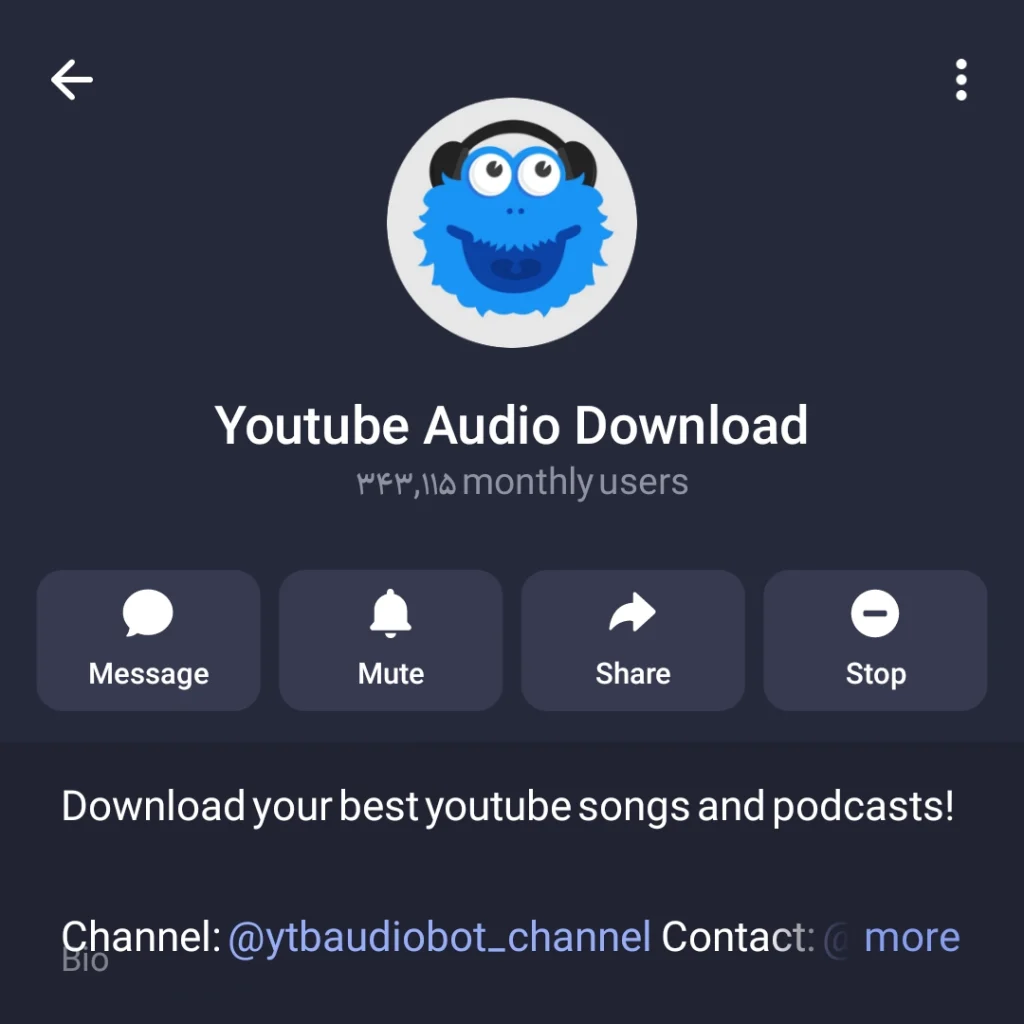
@ytbaudiobot — My Daily Driver (Well-Maintained & Reliable)
If you want zero fuss, this is it. @ytbaudiobot is, in my opinion, the gold standard for audio extraction. I’ve used it for long podcasts and 3-minute tracks alike, and it hasn’t failed me yet.
- Why I love it: It’s incredibly stable. While other bots disappear, this one stays updated.
- The Experience: You send the link, choose the bitrate (if prompted), and boom—your file is ready.
- Best for: People who just want it to work every single time.
@scdlbot — More Than Just YouTube
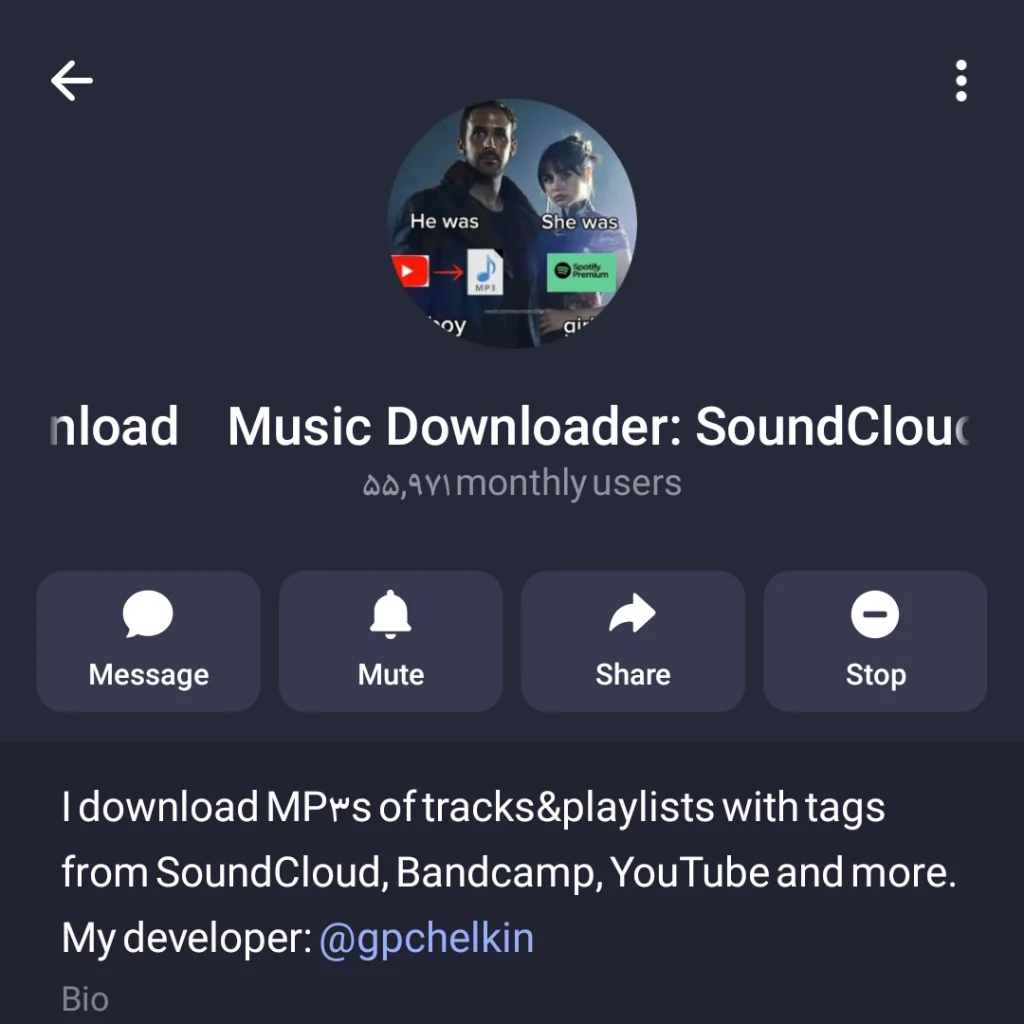
Don’t let the name fool you. While @scdlbot started as a SoundCloud downloader, it has evolved into a powerhouse. I often use this when I find a rare track that’s on YouTube but might also be on other platforms.
- Personal Tip: This bot is great because it handles multiple sources. It’s like a Swiss Army knife for your music library.
- Feature: It usually keeps the album art intact, which is a huge plus for those of us who like organized libraries.
@YouTube_downloader_video_mp3_bot — Options & Control
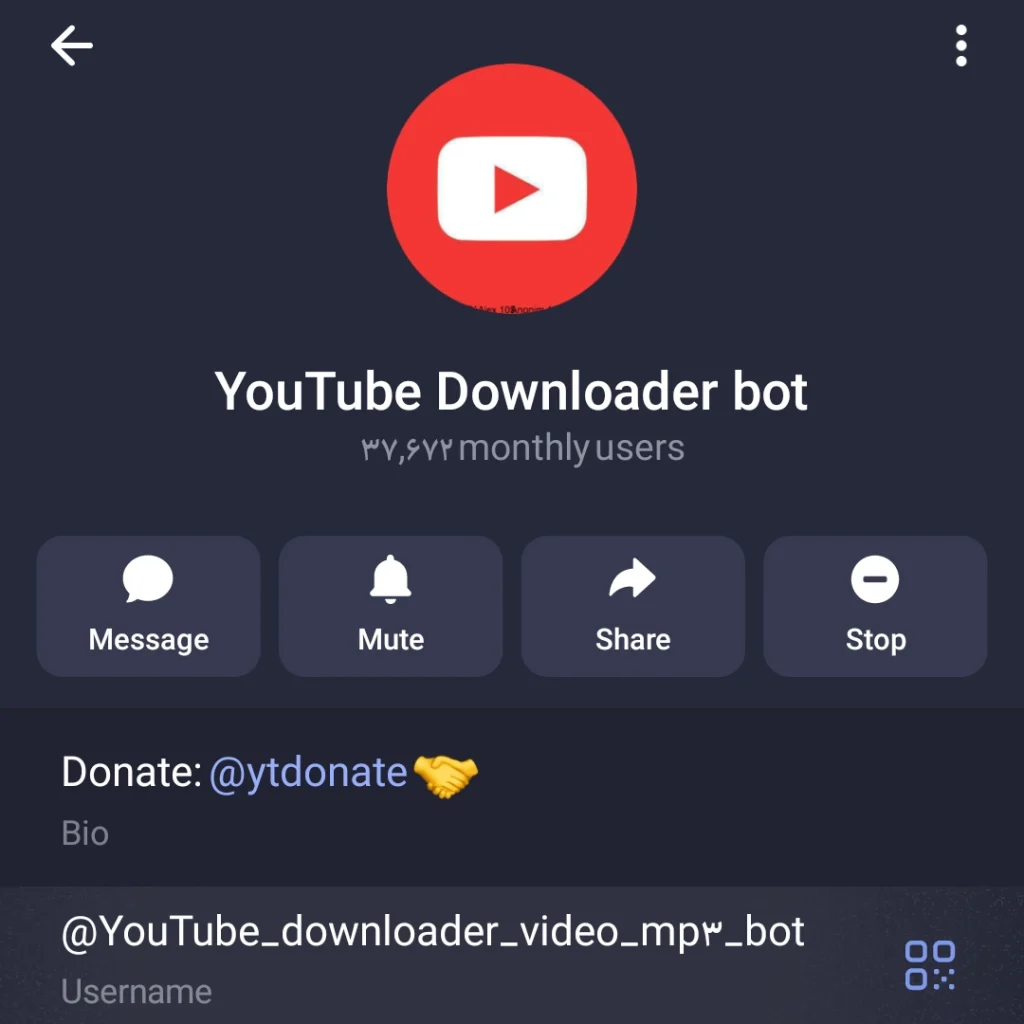
Sometimes I don’t just want “an” audio file; I want to choose the quality. This bot (@YouTube_downloader_video_mp3_bot) gives you a bit more control over the output format.
- My Take: If you’re an audiophile or need a specific file size to save data, use this one. It’s slightly more “manual” but very powerful.
@Youtube_dwnldr_bot — Advanced All-in-One
This is the “pro” version of downloaders. @Youtube_dwnldr_bot handles both video and audio with high-level efficiency.
- Experience: It feels robust. The processing speed on their servers is noticeably faster for longer videos (like 2-hour DJ sets).
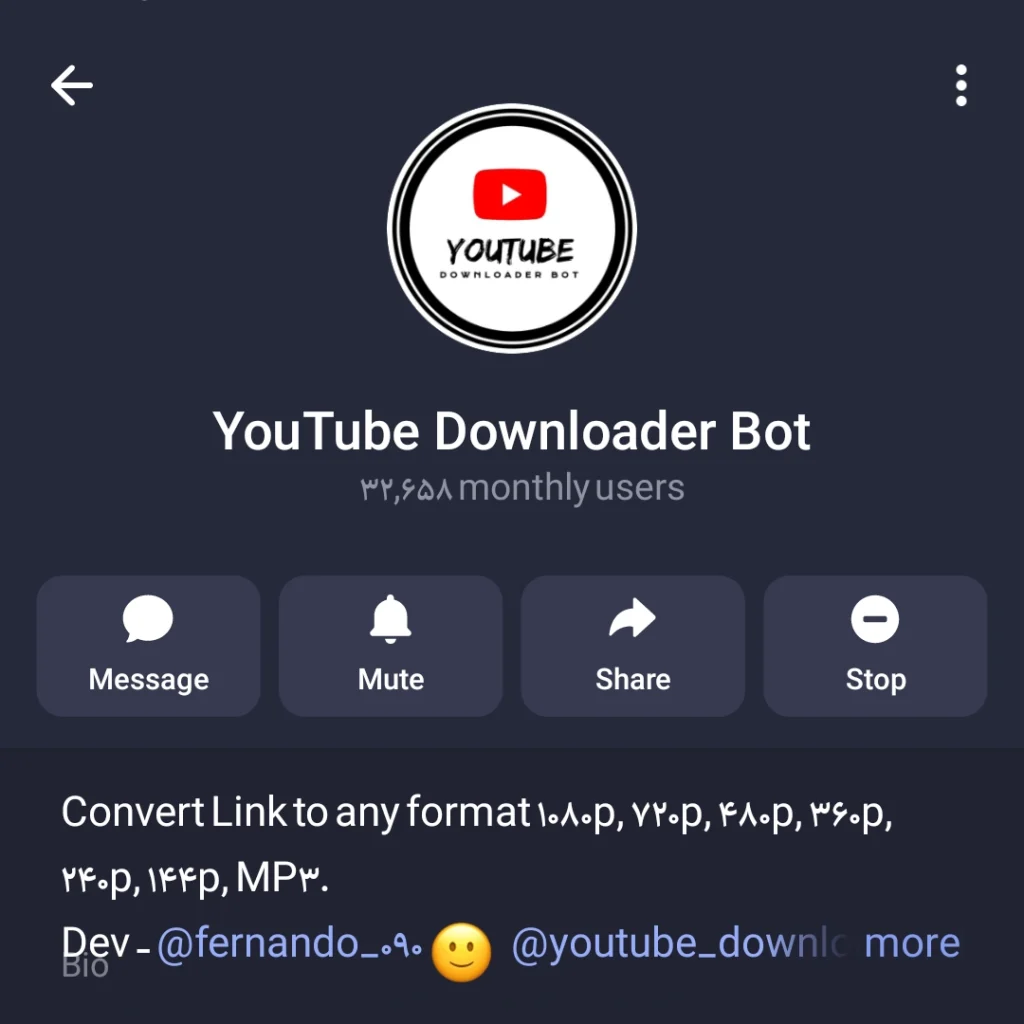
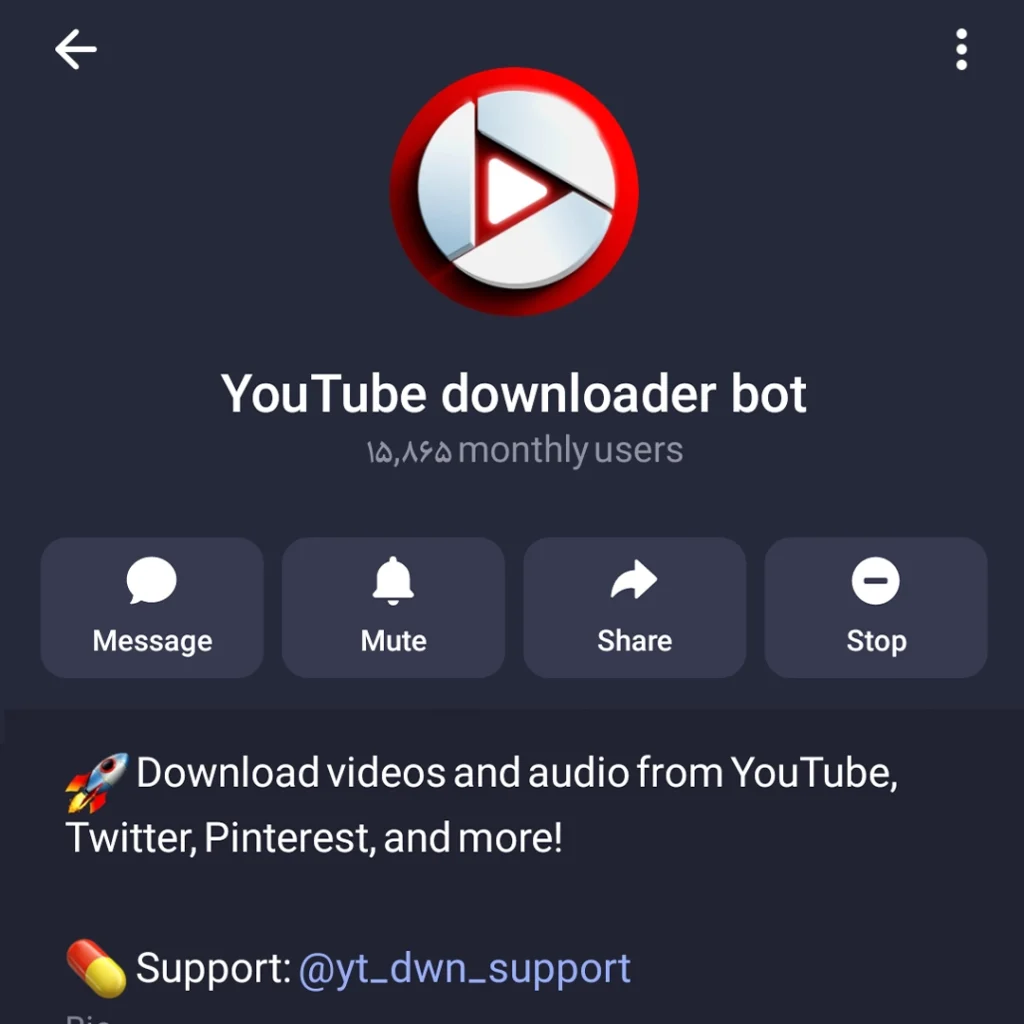
@yt_dwn_bot — Simple & Direct
Lastly, @yt_dwn_bot is for the minimalists. No fancy buttons, no extra clutter. Just a straightforward Telegram bot to download YouTube audio.
Like with any tool that sits between YouTube and downloads, questions around whether Telegram YouTube download bots are safe and legal do come up from time to time. It’s one of those topics that seems simple on the surface but gets more nuanced once you look closer.
Real-World Comparison: Which one should you choose?
| Bot Username | Best For | Speed & Rating |
|---|---|---|
| @ytbaudiobot | Reliability & Stability | ⚡ Fast |
| @scdlbot | Multi-platform (SoundCloud/YouTube) | 🐢 Medium |
| @YouTube_downloader_video_mp3_bot | Format Options & Control | ⚡ Medium |
| @Youtube_dwnldr_bot | Large Files / 4K Video | ⚡ Very Fast |
| @yt_dwn_bot | Simple & Direct Downloads | ⚡ Fast |
Pro Tips & Real-World Advice for Using Telegram YouTube Bots
Ok, here’s the deal. Bots can be a bit moody sometimes, and let me tell you, I’ve had my fair share of “why isn’t this working?!” moments. Here’s how to stay ahead.
- First, always check the bot’s “Last Seen.” If it hasn’t replied in a couple of minutes, don’t panic. It’s probably taking a coffee break. Keep a couple of backup bots ready so your music doesn’t stop.
- Second, use the full YouTube link. Shortened links sometimes confuse bots, and trust me, it’s like trying to order a pizza with half an address—you might end up with a salad instead.
- Next, go big on bitrate. If you love your headphones as much as I do, always pick the highest quality audio. Your ears will thank you.
- Also, protect your privacy. Bots are generally safer than ad-packed websites, but don’t hand over personal info. No one needs your life story just to download a song.
- Finally, have a backup plan. Even the best bots can take a nap. Keeping two or three trusted options ensures you’re never left listening to silence.
From YouTube Audio to Shorts: A Smart Creator Use Case
Many creators don’t use Telegram bots only for offline listening. I’ve seen them become a simple part of content workflows. Downloading clean audio from long YouTube videos makes it easier to repurpose content into short, engaging clips. If your goal is reach and visibility, it’s smart to use YouTube Shorts for fast channel growth by turning one long video into multiple Shorts. Using the Best AI Telegram Bots to Download YouTube Shorts quietly speeds up this process by saving time and removing friction.
FAQs (From My Inbox)
Is it legal to use these bots? As long as you are using the audio for personal, offline listening (like a workout playlist), it’s a grey area. Just don’t redistribute the content!
Why do bots sometimes stop working? YouTube frequently updates its API to block these tools. The bots I listed above are “well-maintained,” meaning the developers update them quickly when things break.
Can I download entire playlists? Some of the advanced bots like @Youtube_dwnldr_bot offer playlist support, but it’s usually faster to do them one by one to avoid hitting Telegram’s file size limits.
Final Thoughts: Telegram Bots to Download YouTube Audio
If you’re looking for the absolute best Telegram Bots to Download YouTube Audio in 2026, I’d start with @ytbaudiobot. It’s the one I trust most. Telegram makes life much easier with no ads, no viruses, and your music ready to play right where you chat.
What’s your go-to bot? If I missed a hidden gem, let me know in the comments!
Enjoyed this guide? Share it with a friend who’s still stuck using those annoying converter websites!
Direct Support: @membertelsupport











Leave a Reply